
Notes and meetings
One subpage per meeting keeps the agenda, decisions and action items together. Number the agenda, tick off each owner's to-dos, and find any decision later with search.
Pages inside pages, a block editor and instant search.

Everything below works in the live demo today. Open it and try each one.

Type / for headings, to-dos, quotes, callouts, code and dividers. Markdown shortcuts work too.

Press Ctrl K (⌘ K on a Mac) to search every page and line of text, then jump straight there.

On phones the sidebar becomes a drawer, so you can write and organize pages one-handed.

Nest pages inside pages as deep as you like, star favorites, and restore anything from Trash.

The demo saves to this browser only. No account, no trackers, nothing sent to a server.

Inkwell runs in any modern browser. Open the demo and start writing in seconds.
Three ways the Northwind Freight demo workspace uses it.

Meeting notes with agenda, decisions and owners.

Checklists that live next to the plan.

Specs, runbooks and handbooks.
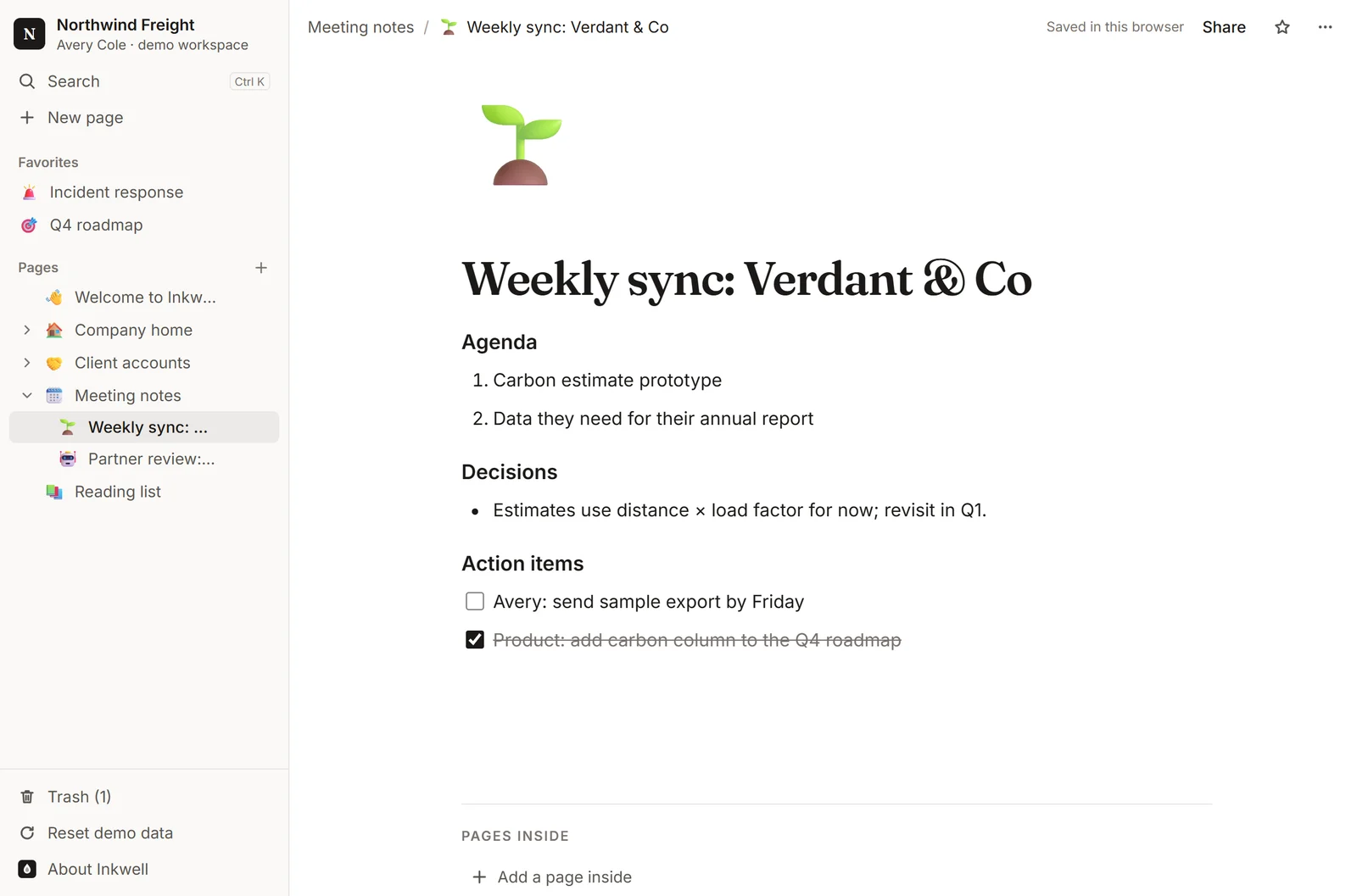
One subpage per meeting keeps the agenda, decisions and action items together. Number the agenda, tick off each owner's to-dos, and find any decision later with search.
 (opens this page in the live demo)
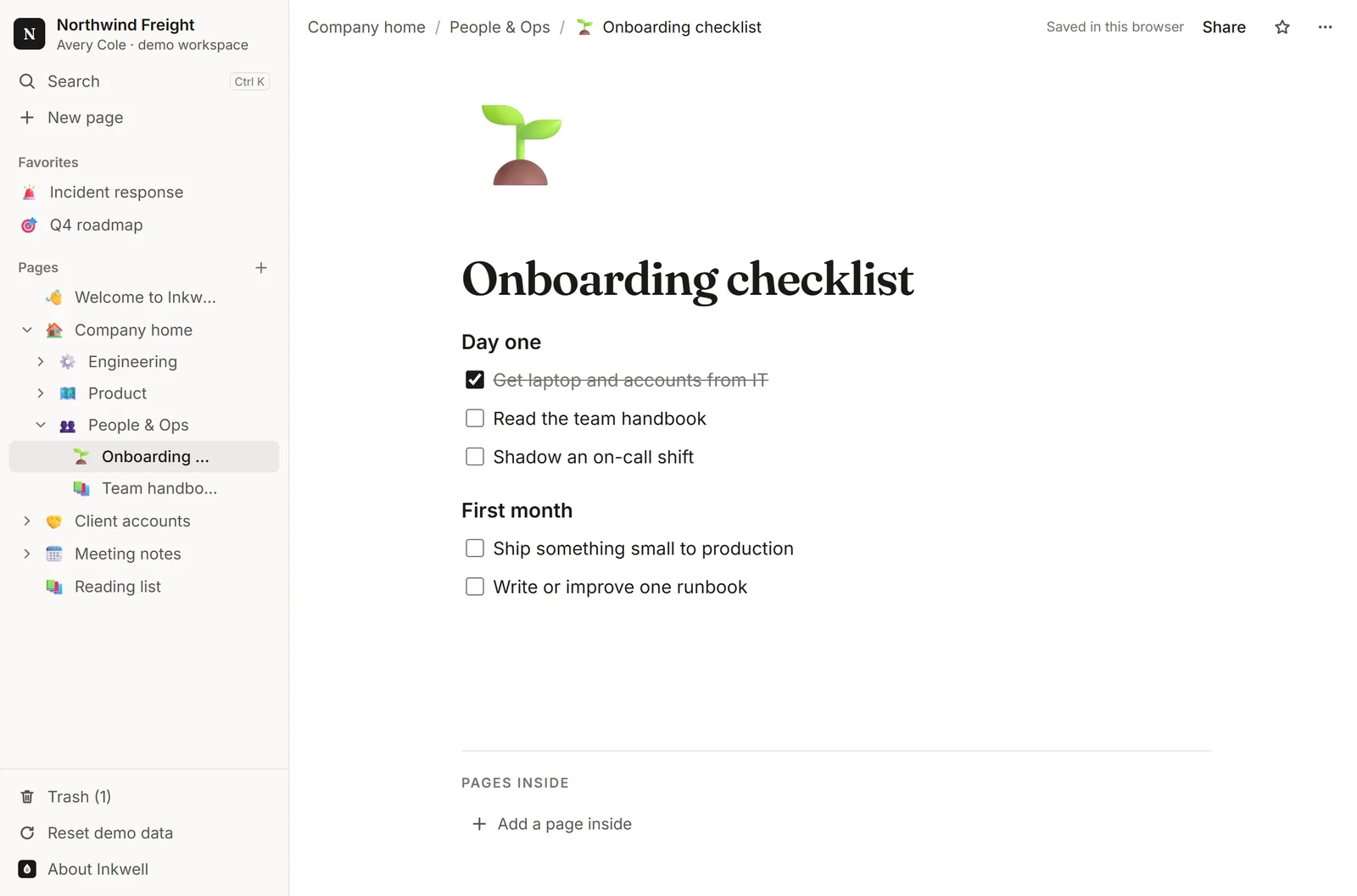
To-do blocks sit inside the page they belong to: onboarding checklists, deploy steps, roadmap follow-ups. Tick one off and it stays ticked in your browser.
 (opens this page in the live demo)
Write specs with headings, numbered goals and bullet lists, then nest them under the team that owns them. Breadcrumbs always show where a page lives.
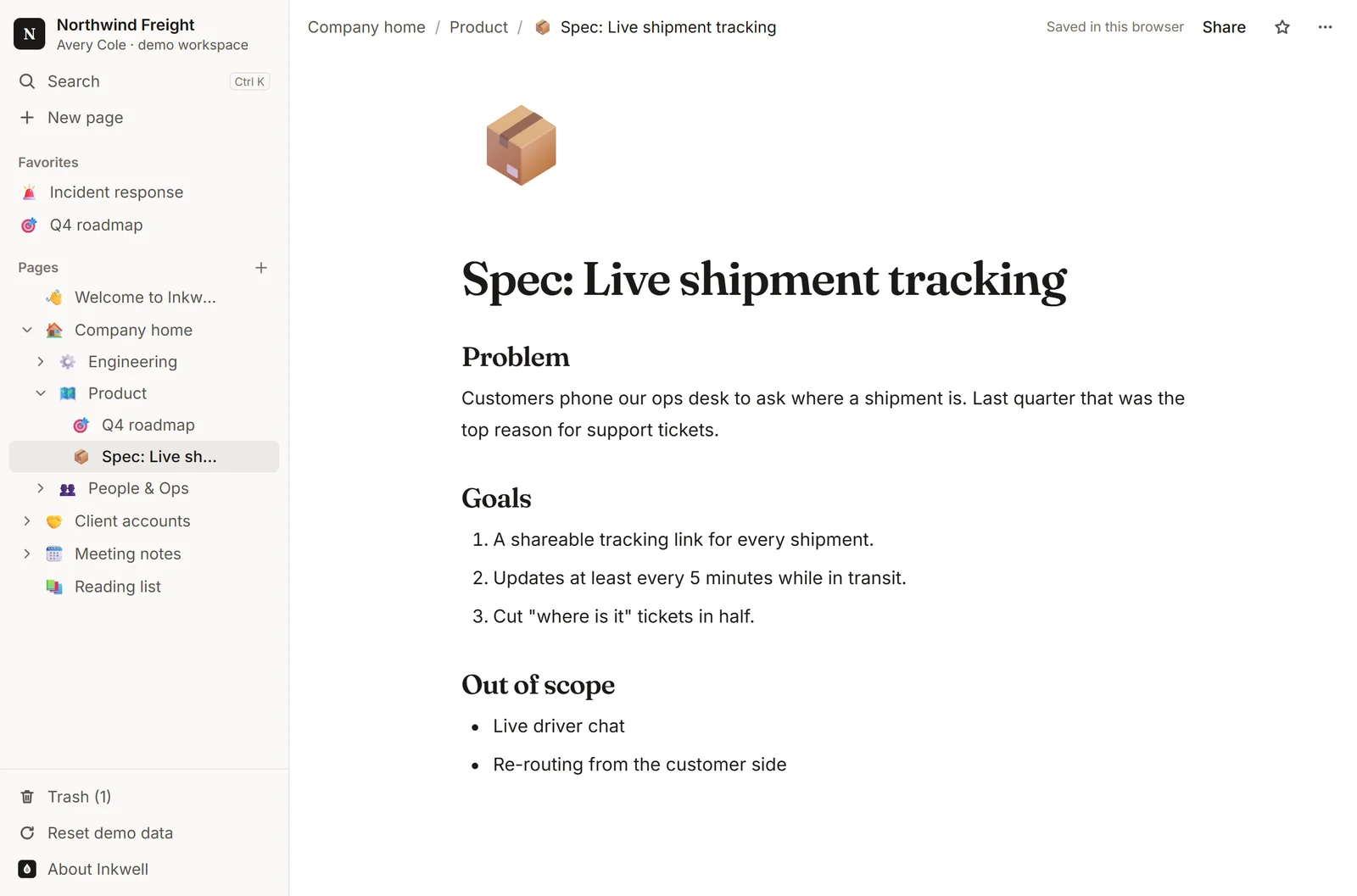 (opens this page in the live demo)
The demo is the editor. The full version adds what a company needs around it.
One workspace for the pages every team keeps.

Campaign briefs, launch checklists and messaging docs, nested under each launch.
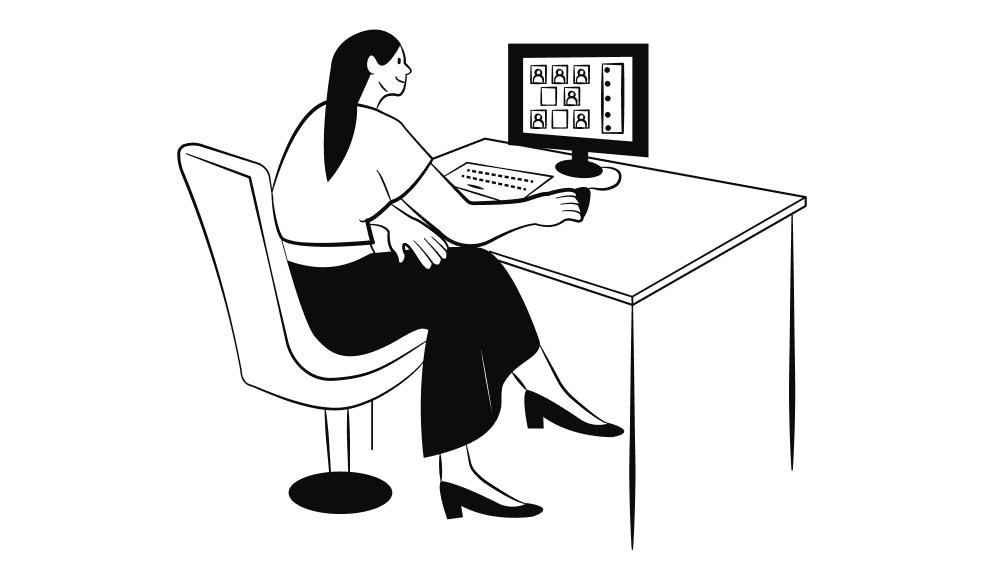
Specs, roadmaps, runbooks and deploy checklists that sit next to each other.

Drafts, outlines and a shared reading list, with headings and quotes a keystroke away.
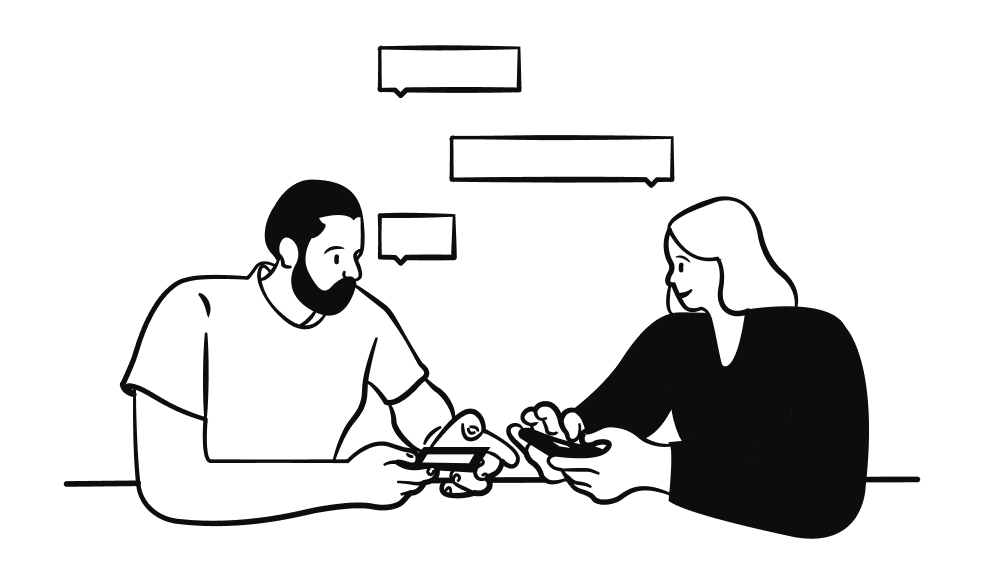
One page per account with contacts, open issues and every meeting note underneath.
Real lines from the Northwind Freight demo workspace. Open it and they're all there.
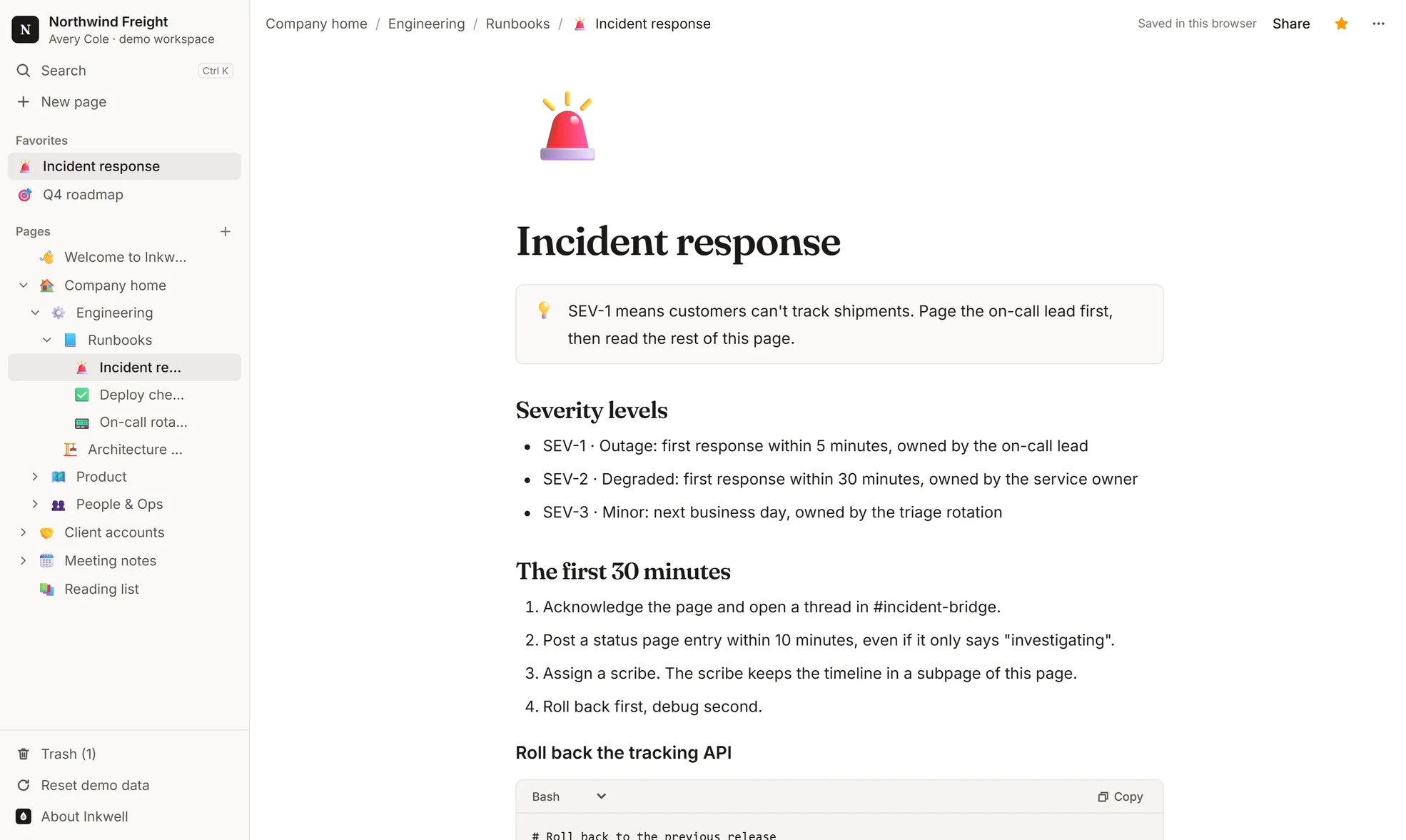
“SEV-1 means customers can't track shipments. Page the on-call lead first, then read the rest of this page.”
“Everything Northwind Freight knows, in one tree. Start with your team's space below, or press Ctrl K to search every page.”
“Step-by-step guides for things that go wrong at 3 a.m. Each runbook is a subpage, so it shows up in search and the sidebar.”
“Customers phone our ops desk to ask where a shipment is. Last quarter that was the top reason for support tickets.”
Guided pages inside the live workspace. Each one opens in the editor.