Turn Raw Code Snippets Into Beautiful, On-Brand Images in Seconds
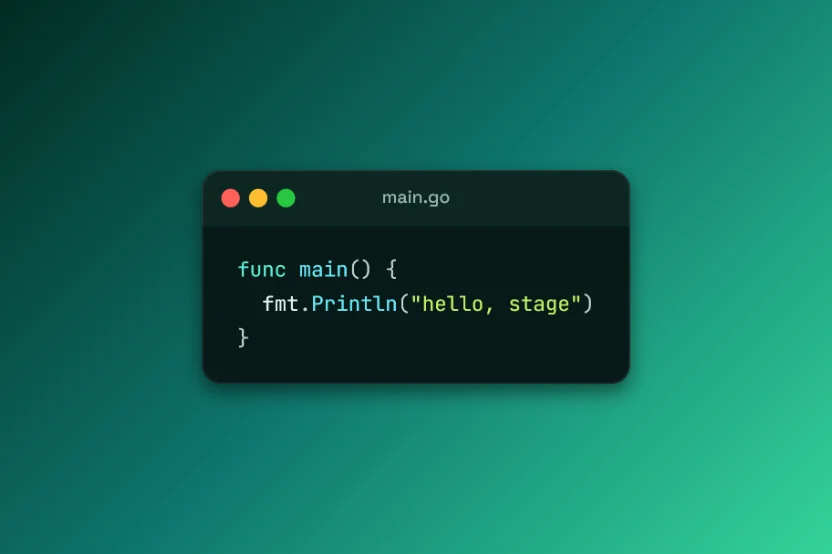
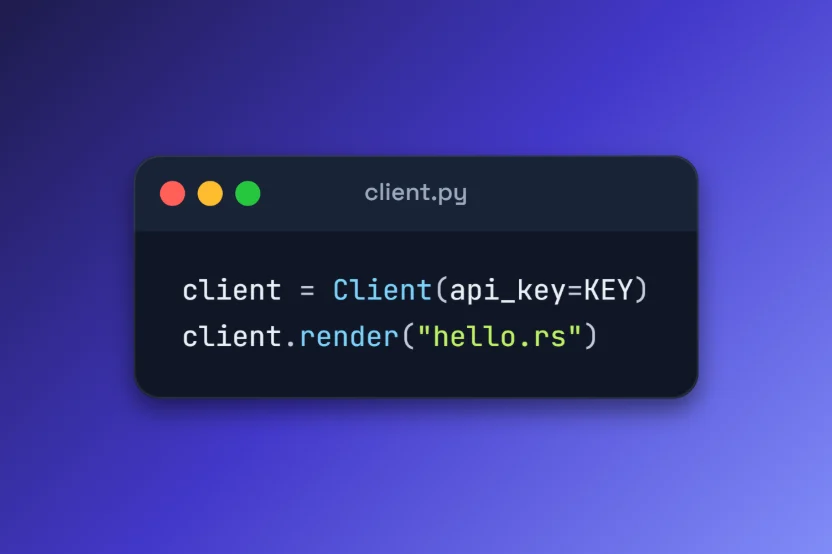
Mosaic styles a snippet with themes, window chrome and line highlights, then exports a crisp PNG for slides, posts and docs. It all runs in your browser, so your code is never uploaded, and there is nothing to sign up for.
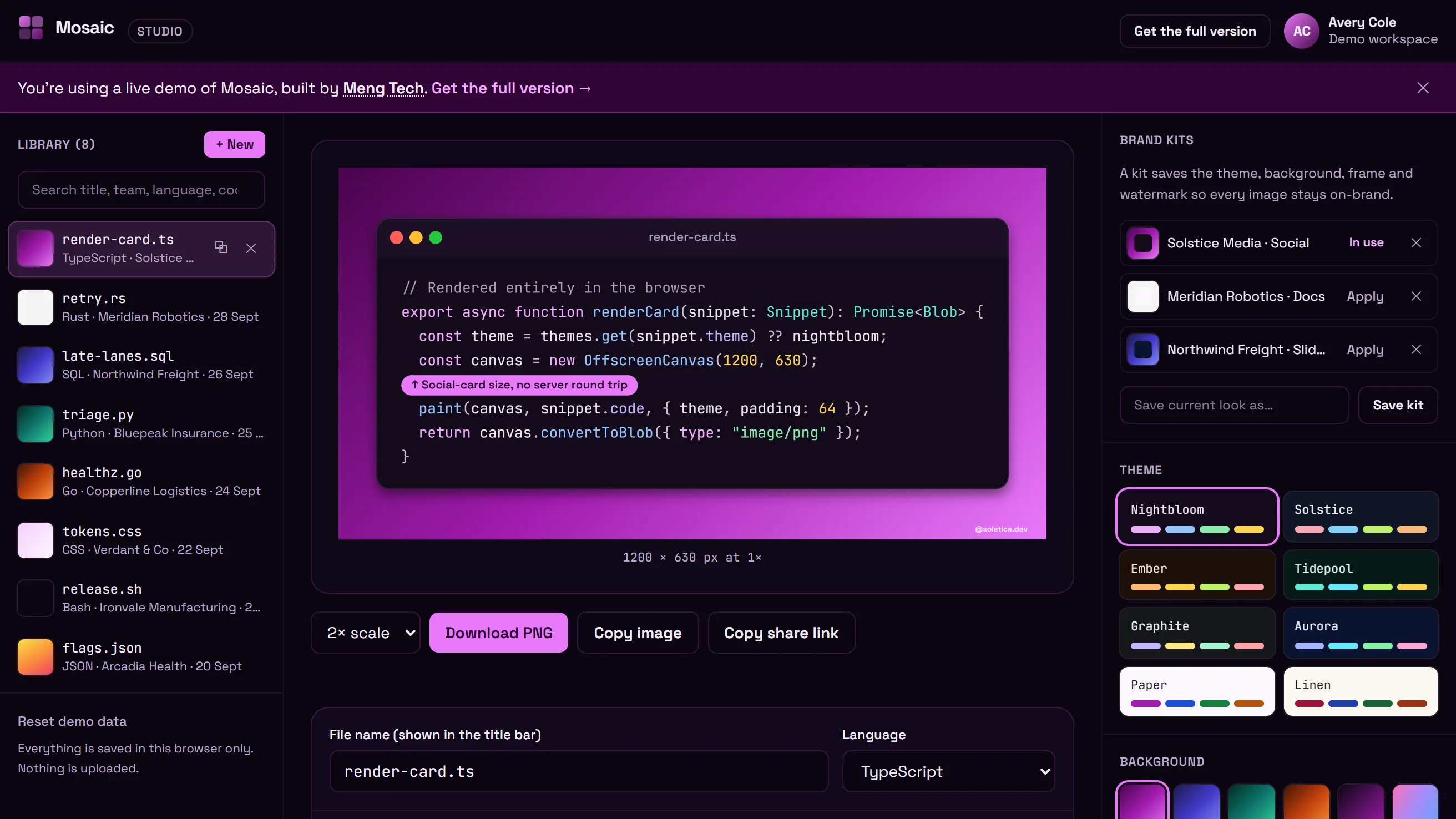
Built on a Modern Web Stack
Everything a Code Screenshot Needs in One Studio
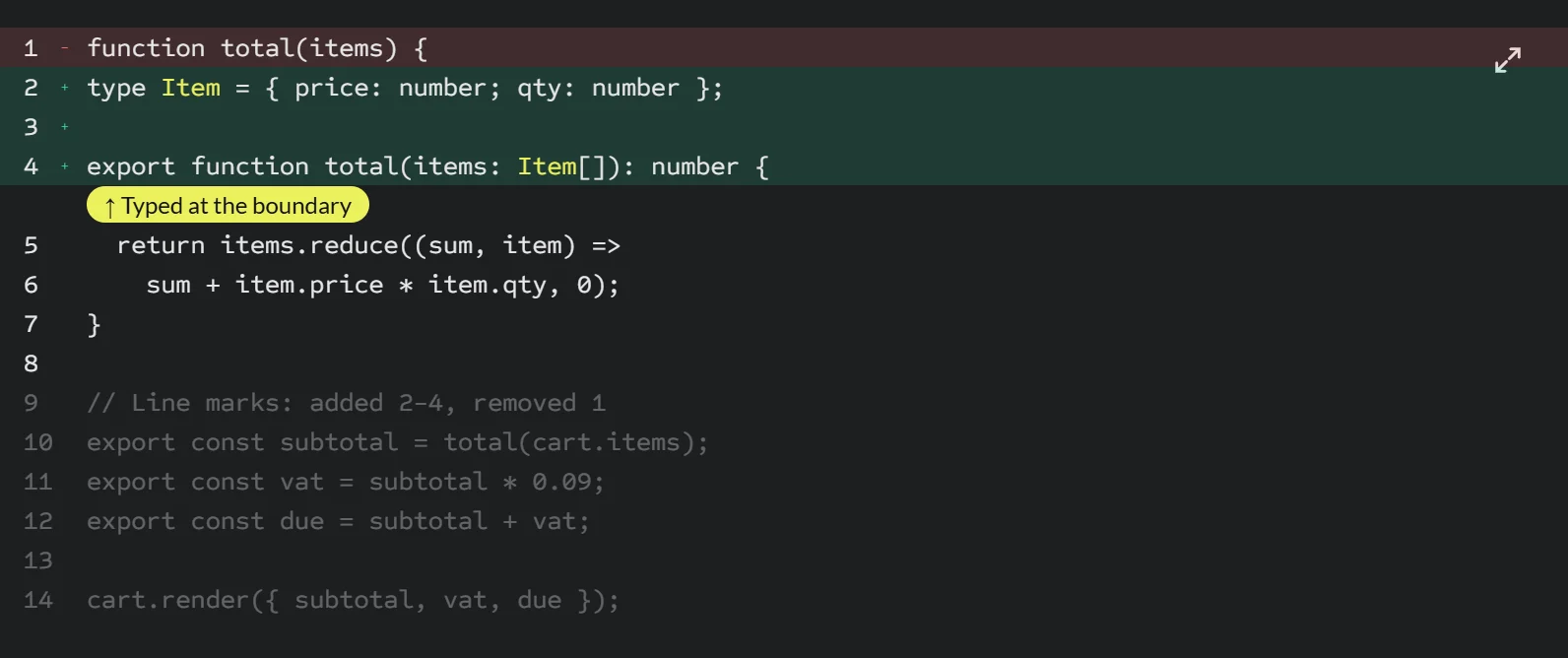
Highlight What Changed
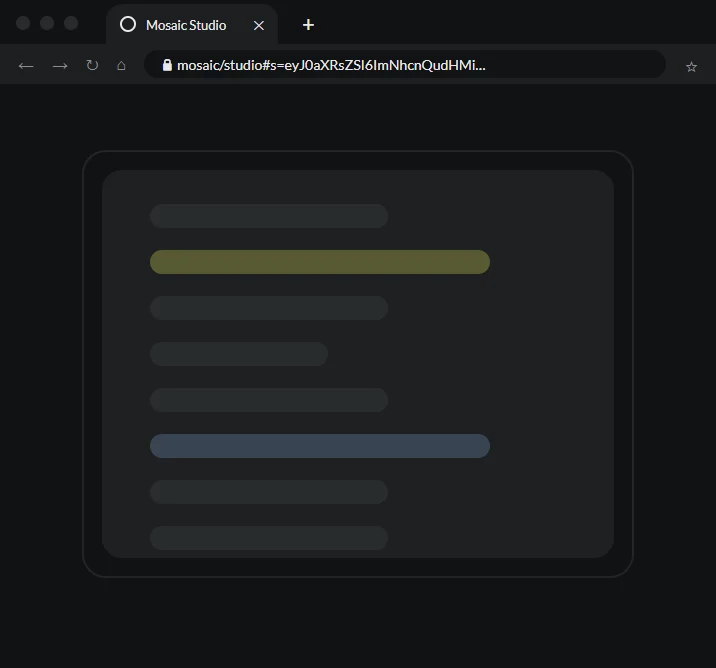
Share an Editable Link
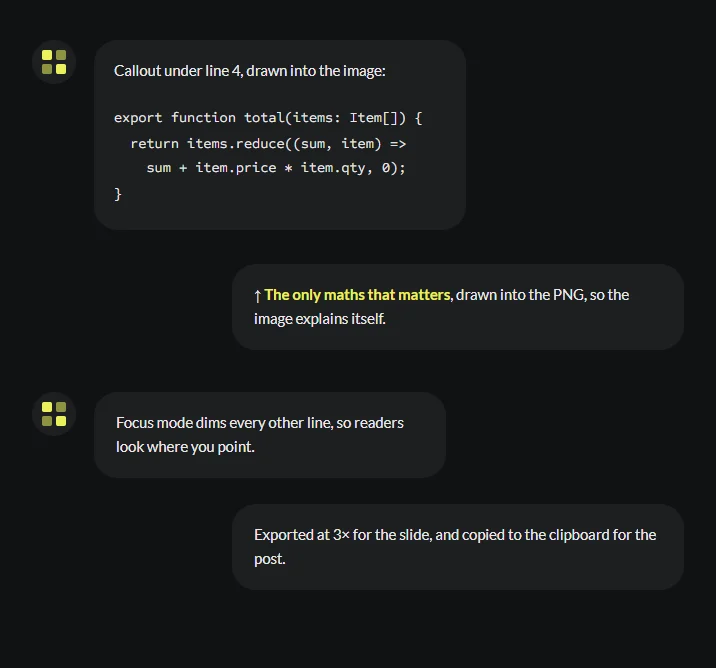
A Callout That Explains
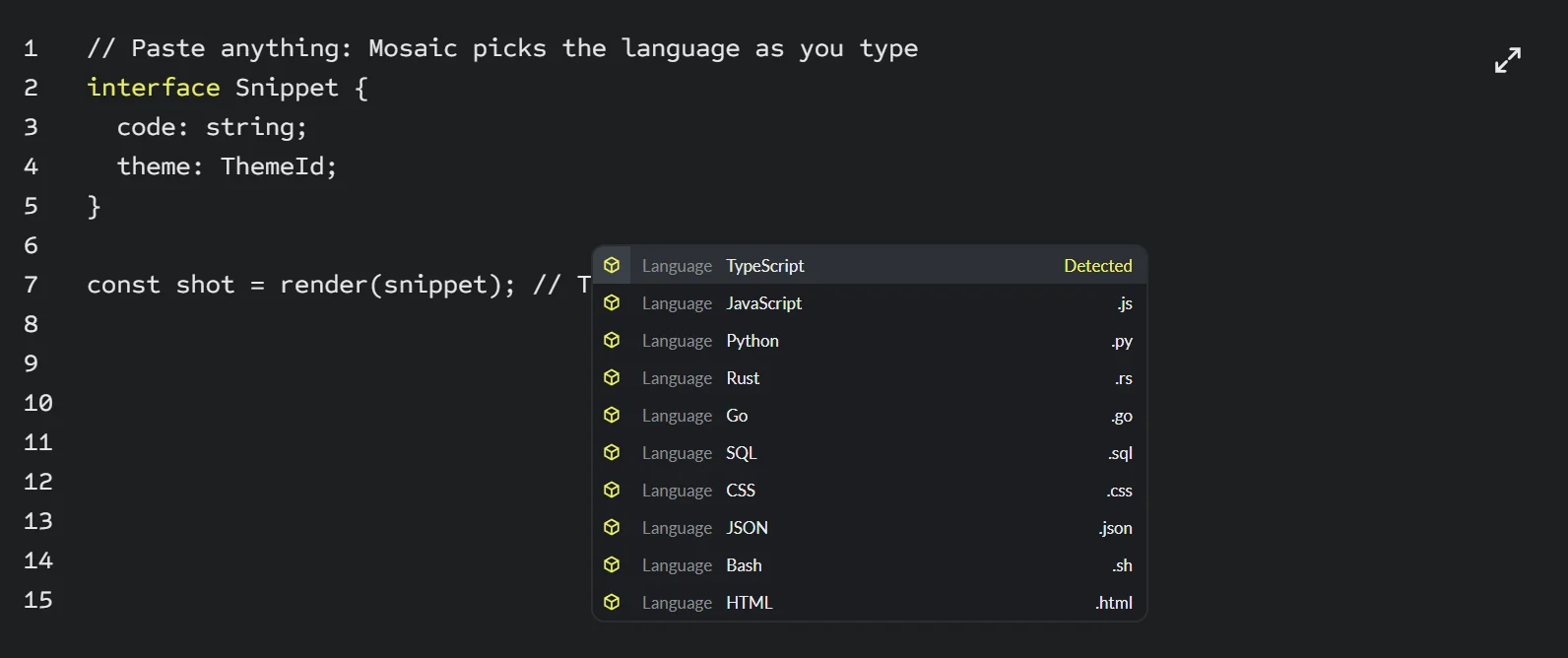
Ten Languages, Detected for You
Every Control You Need, Nothing You Don't


Slides Where the Code Is the Star
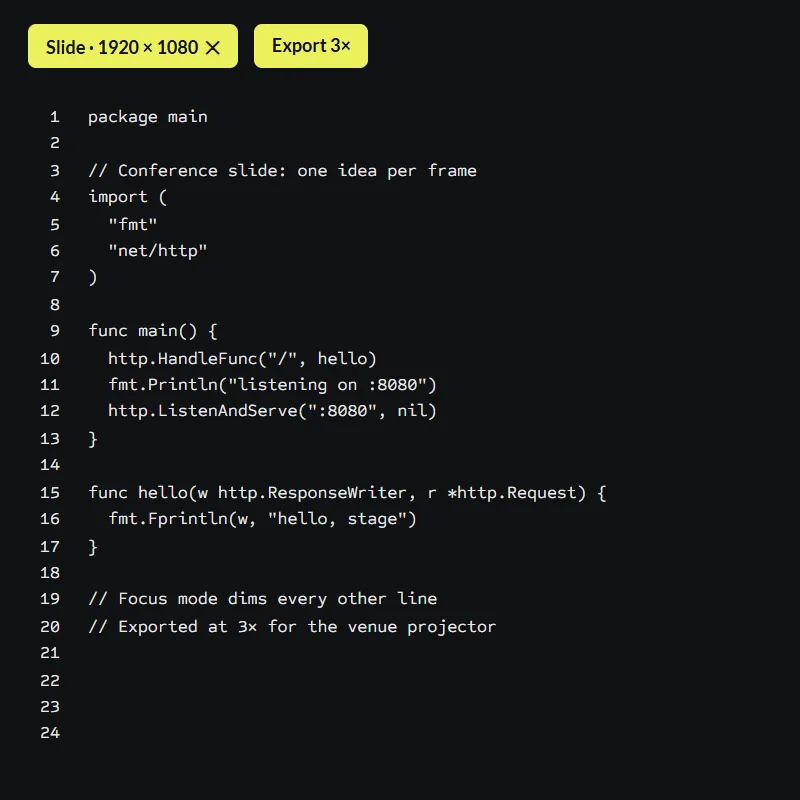
Drop a snippet onto a 16:9 canvas, size it for the back row, and export at 3× so it stays sharp on the venue projector. No more squinting at an IDE screenshot.
HD slide preset at 1920 × 1080
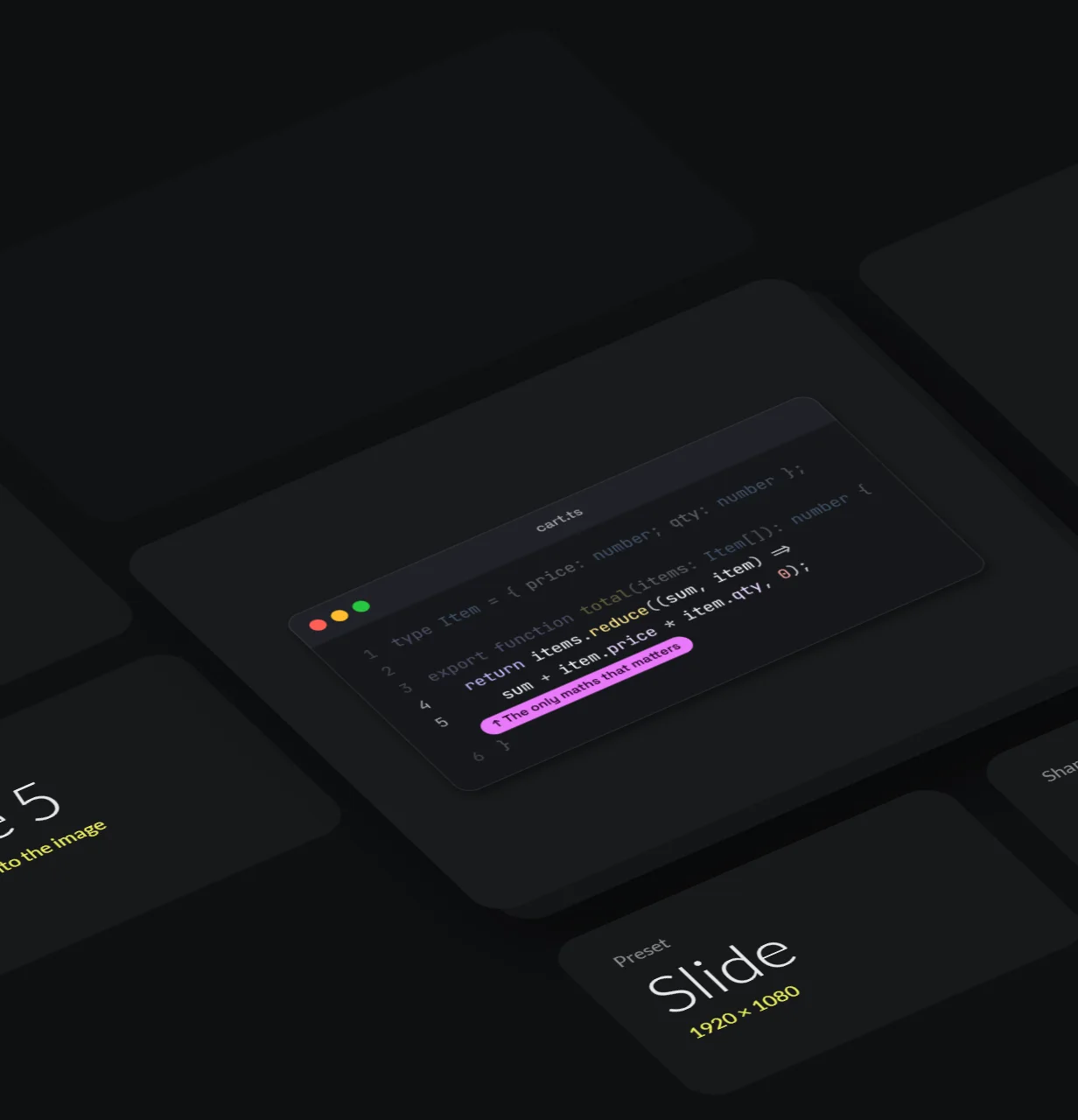
Focus mode dims every line but the one you're talking about
Consistent framing from the first slide to the last
Posts That Stop the Scroll
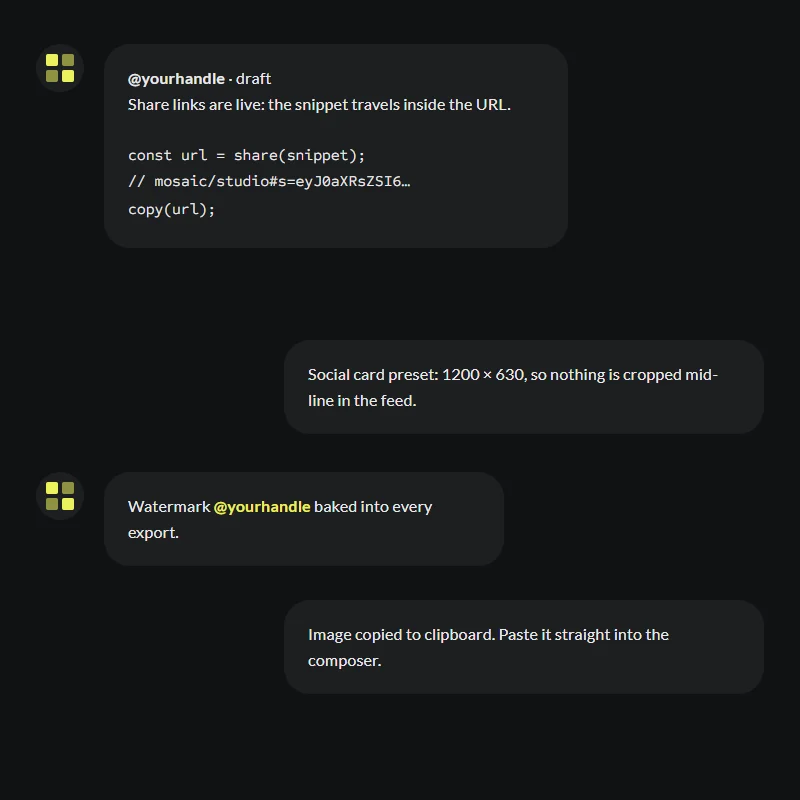
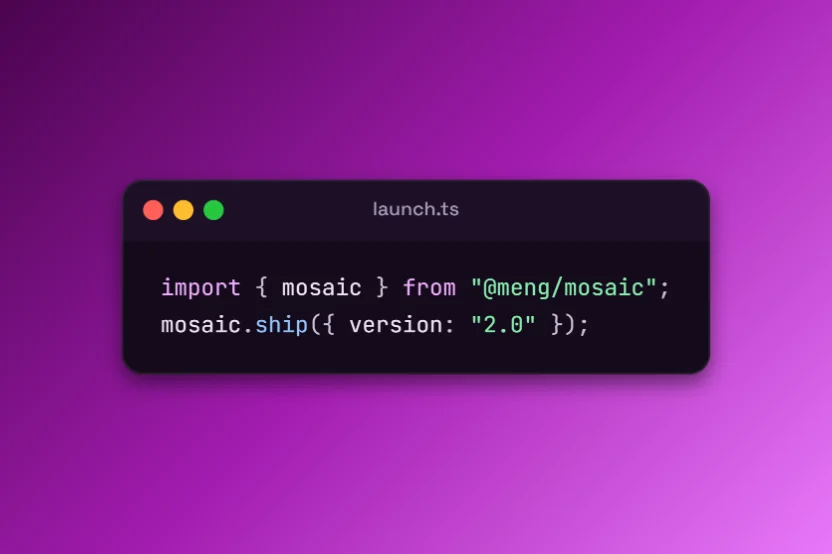
Launch threads, tips, and newsletters travel further with an image that reads at a glance. Mosaic's social and square presets are pre-cut, so nothing gets cropped mid-line.
Social card preset at 1200 × 630
Your handle or watermark baked into every export
Copy to clipboard and paste straight into the composer
Docs That Stay On-Brand Everywhere
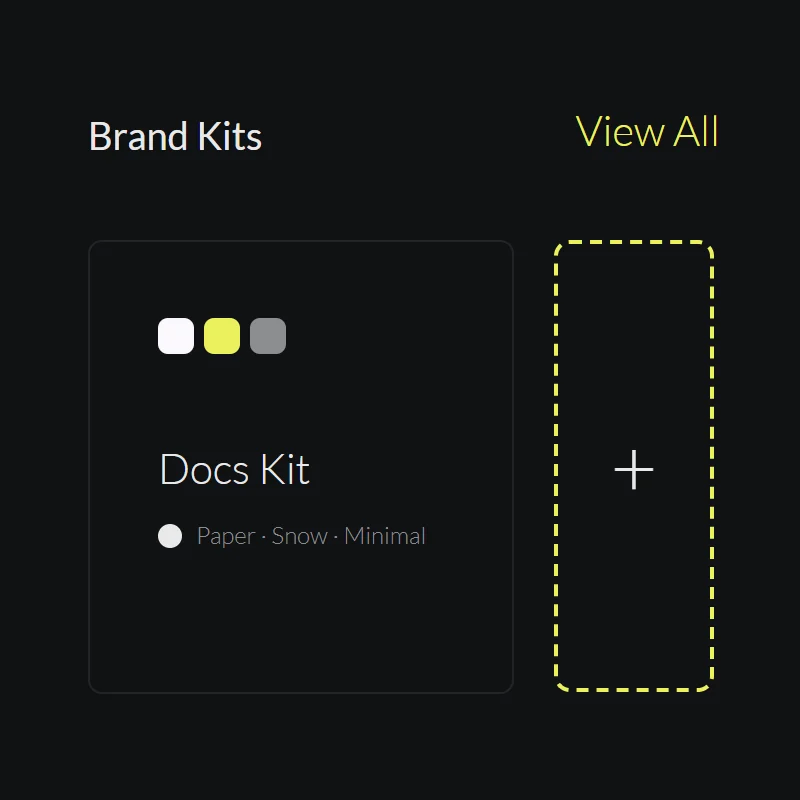
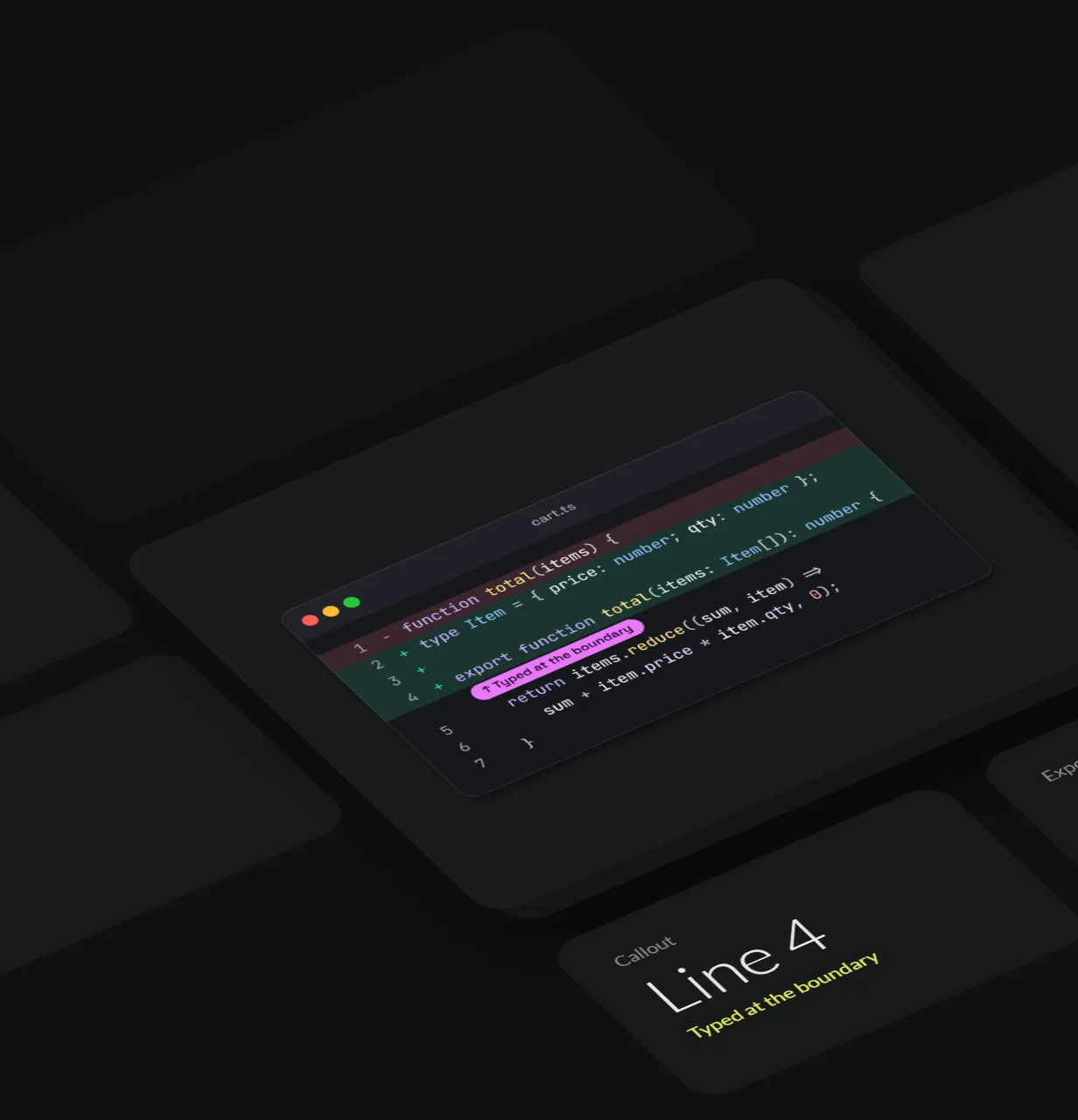
Highlight the lines that changed, call out the tricky bit, and keep every screenshot in the course or docs site on the same theme, so learners focus on the idea rather than the styling.
Added and removed line highlighting
Callouts that point at the exact line
Light themes that print cleanly for handouts
Ten Languages, Highlighted by Hand
Paste TypeScript, Python, Rust, Go, SQL and more. Mosaic's own tokenizer detects the language as you type and colours it with the theme you pick, with no highlighting library to download. If the guess is ever wrong, switch the language from the editor and the image updates at once.
From Raw Snippet to Share-Ready Image
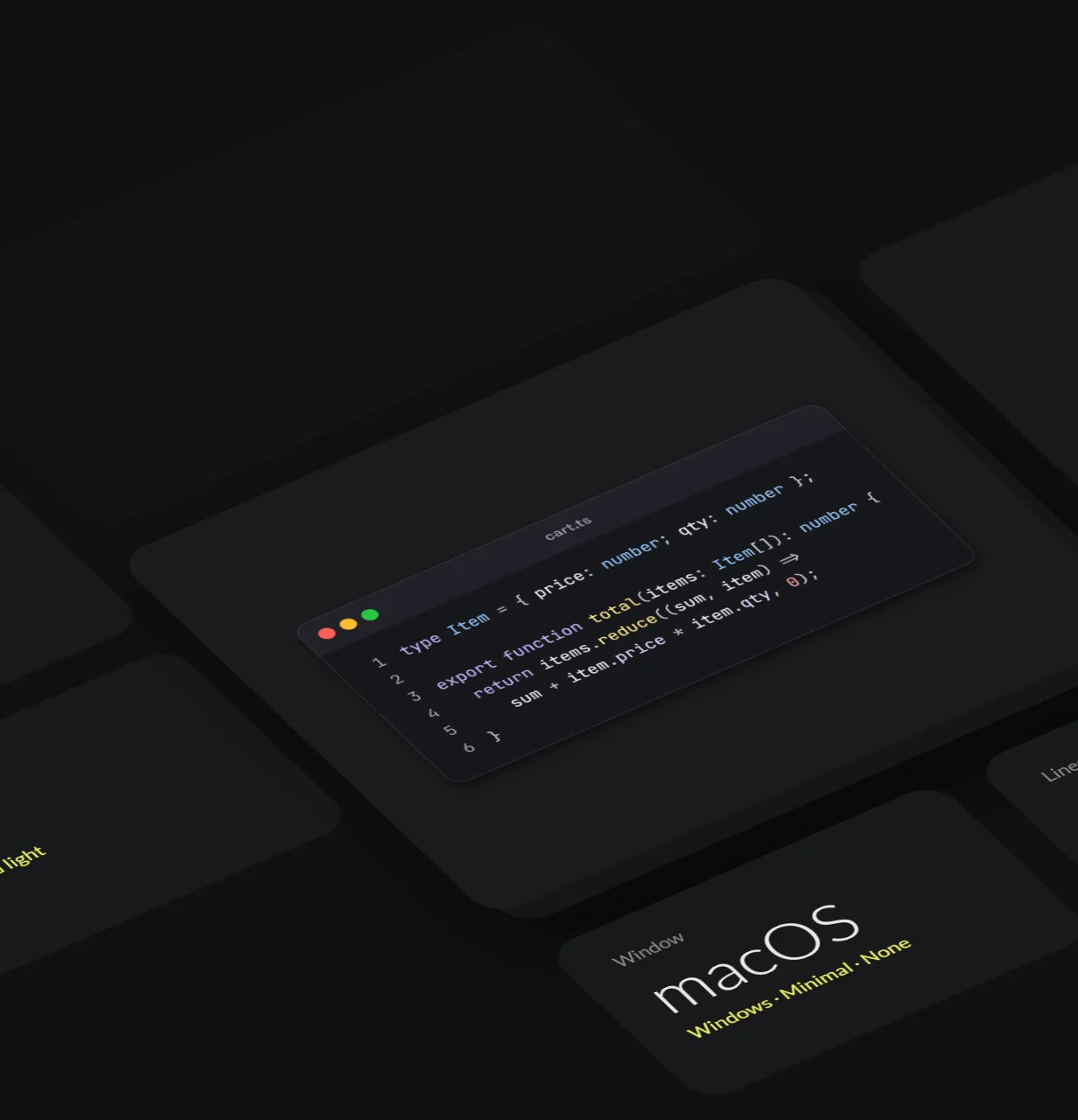
One snippet, three ways to tell the story. Switch treatments without touching the code: Mosaic keeps the theme, framing and export settings as you go.
Built Right, Down to the Pixel
Notes from Randy See on how the studio is engineered.
Own Highlighter
Randy See · Tokenizer
One Renderer
Randy See · Canvas 2D
No Backend
Randy See · Storage
Built Accessible
Randy See · Accessibility
Never Blank
Randy See · Export
Validated Inputs
Randy See · Safety
Start From a Template
Pre-sized, pre-styled starting points. Each opens in the studio, ready to edit.
FAQs
The short answers about the live demo, your code, and what the full version adds.
Yes. The studio is a live demo of the real app, with no sign-up and no watermark of ours. Export as many images as you like. When your team wants its own version, Randy See builds it for you.
No. Highlighting, styling, export, your library, and your brand kits all live in this browser. Share links carry the snippet in the part of the URL after the #, which browsers never send to a server.
PNG at 1×, 2×, 3×, or 4×, downloaded or copied straight to your clipboard. Size presets cover fit-to-code, social cards (1200 × 630), slides (1920 × 1080), and square posts (1080 × 1080). Very large images are scaled down just enough to stay within your browser's canvas limits.
Everything your team needs to run Mosaic as its own tool: your branding throughout, team libraries and shared kits with sign-in on your backend, hosting where you choose, and integrations with your docs or chat tools. Randy See builds it with you and hands over the source.
Yes. Randy See designed and built Mosaic end to end, and we build products like it across many domains: developer tools, internal apps, and the sites around them. Pick "A different product" on the contact form and tell us what you have in mind.
See Your Code Shine - Try the Live Studio Free
No sign-up and nothing to install: paste a snippet, style it and export your first image in under a minute. When your team wants its own version, Randy See builds it.