
Transform Your Photos into Painterly Works of Art
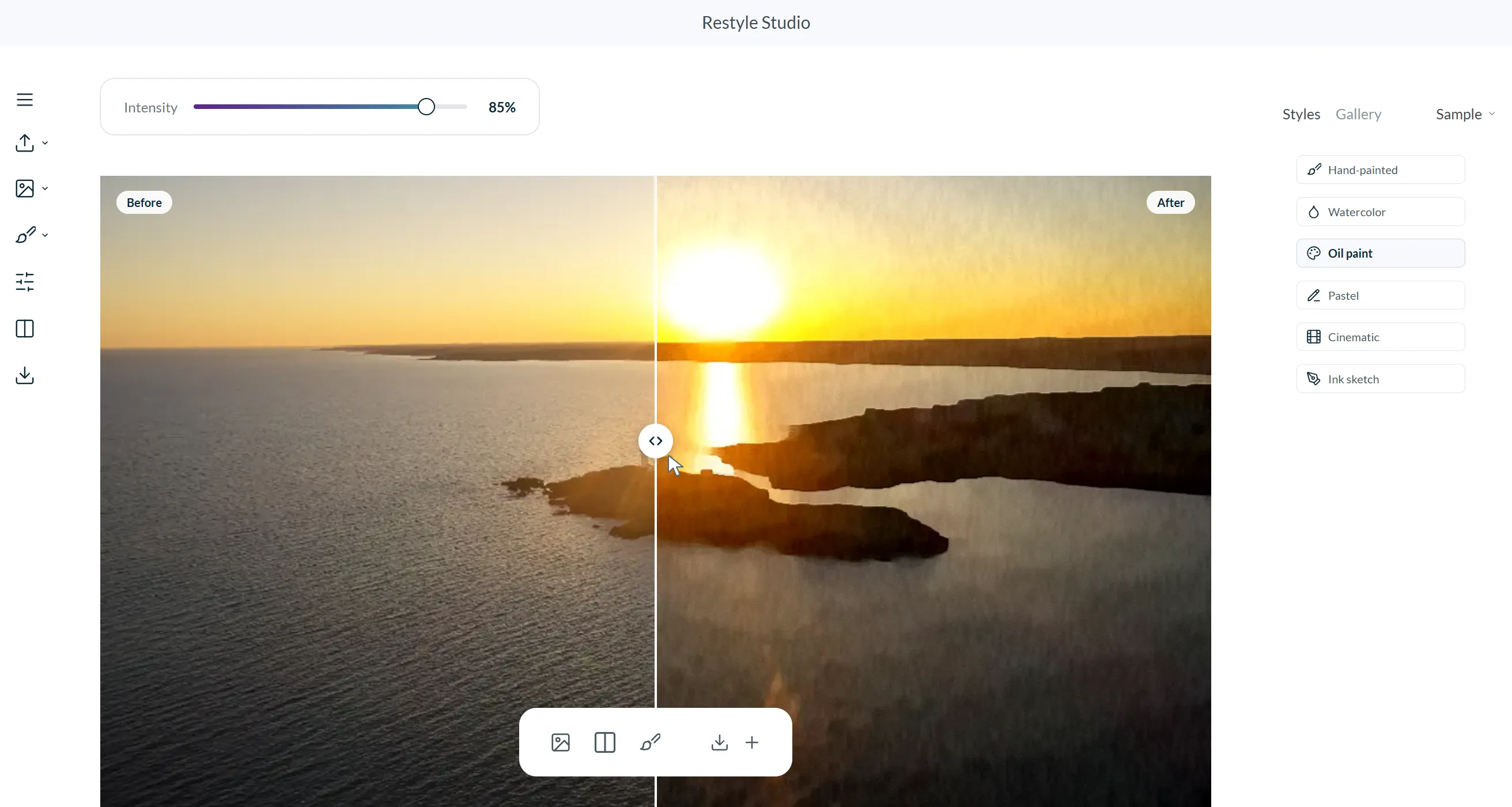
Watercolor, oil, pastel, ink sketch and more, painted right in your browser. No sign-up, and your photo never leaves your device.
Built on Tools Professionals Trust








Beyond Filters: Your Personal Painter
Start from Any Photo in Seconds
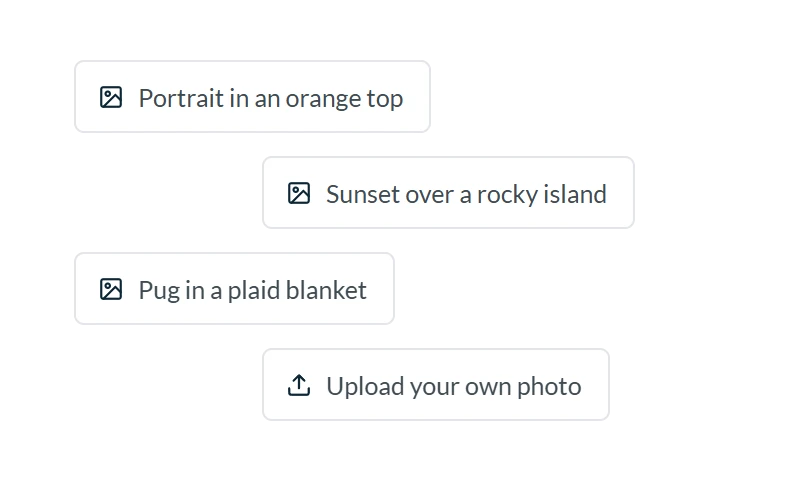
Drop in a portrait, a pet or a landscape, or begin with one of eight sample photos. JPEG, PNG and WebP files up to 25 MB open right in the studio.
Fine-Tune Every Render with Intensity
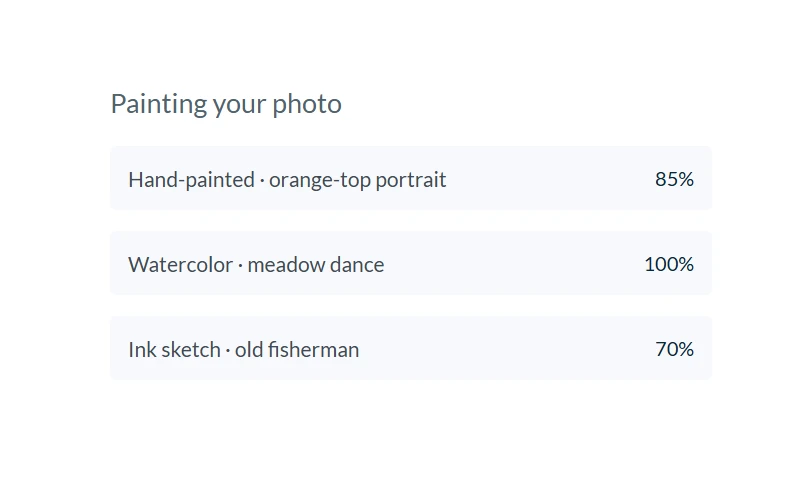
Blend each painting back toward the photo, from a light wash to the full effect. The slider only changes the mix, so your original is never altered.
Six Styles for Diverse Client Needs
Watercolor, hand-painted, oil, pastel, cinematic and ink sketch. Each look is cached per photo, so switching between styles is instant.
Get Better Results with Painterly Features

Before/After Compare
Drag the divider across the canvas to see exactly what changed, with a mouse, a finger or the arrow keys.

Adjustable Intensity
Dial the effect anywhere from a light wash to a full painting without touching the original photo.

Edge-Aware Brushwork
A Kuwahara filter turns flat areas into paint while eyes, jawlines and edges stay crisp.

Six Painterly Styles
Watercolor, hand-painted, oil, pastel, cinematic and ink sketch, all painted on canvas.

Private by Design
Photos are decoded and painted in your browser. Nothing is uploaded to a server.

Name and Tag Renders
Save paintings to your gallery, then rename them and tag the client each one is for.
Get Started in Just a Few Clicks
Begin with a Photo
Upload your own photo or pick a sample. It's decoded and resized to a 1,200 px long edge right on your device, so nothing is uploaded and most styles finish in under a second on a laptop.
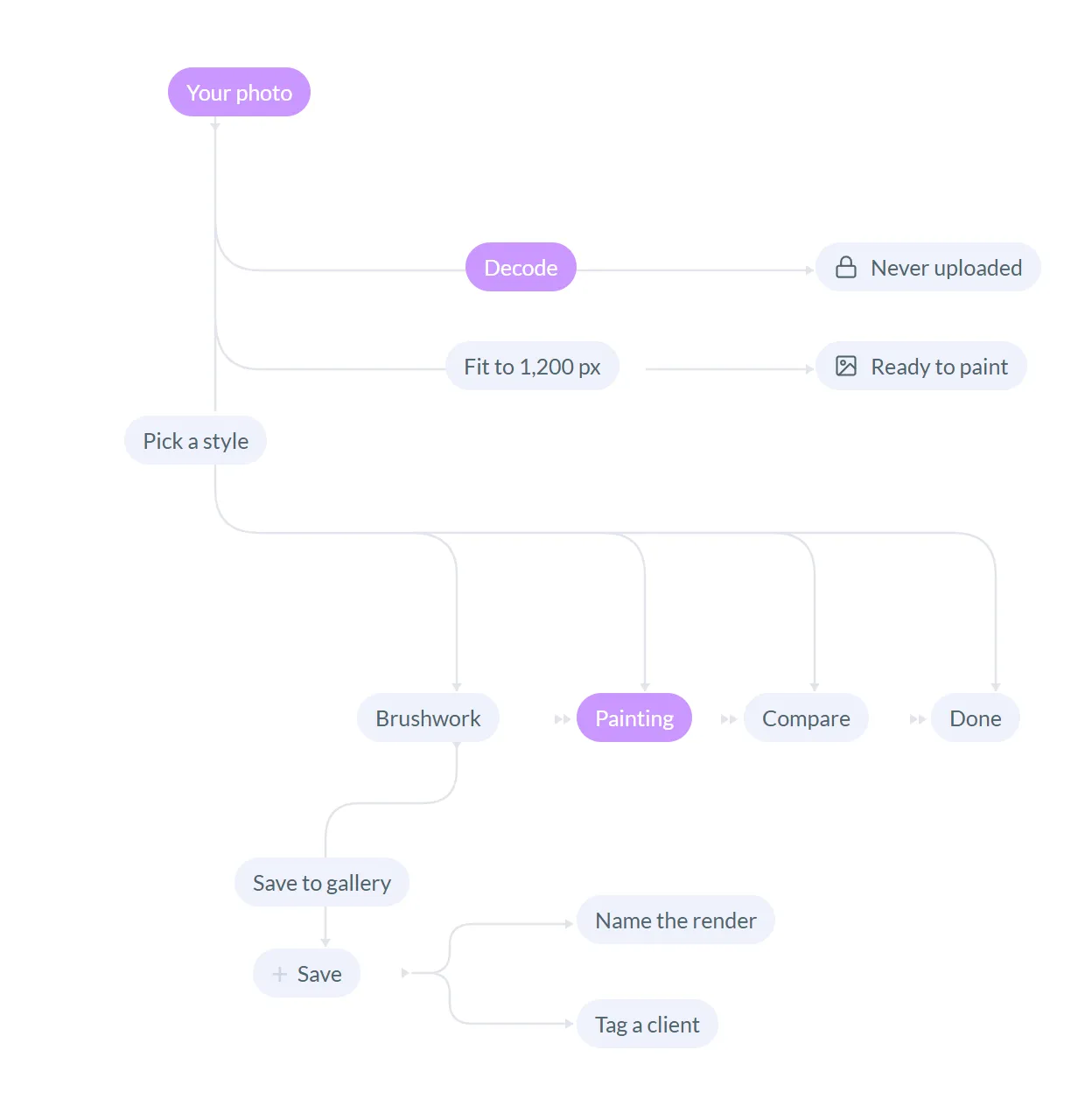
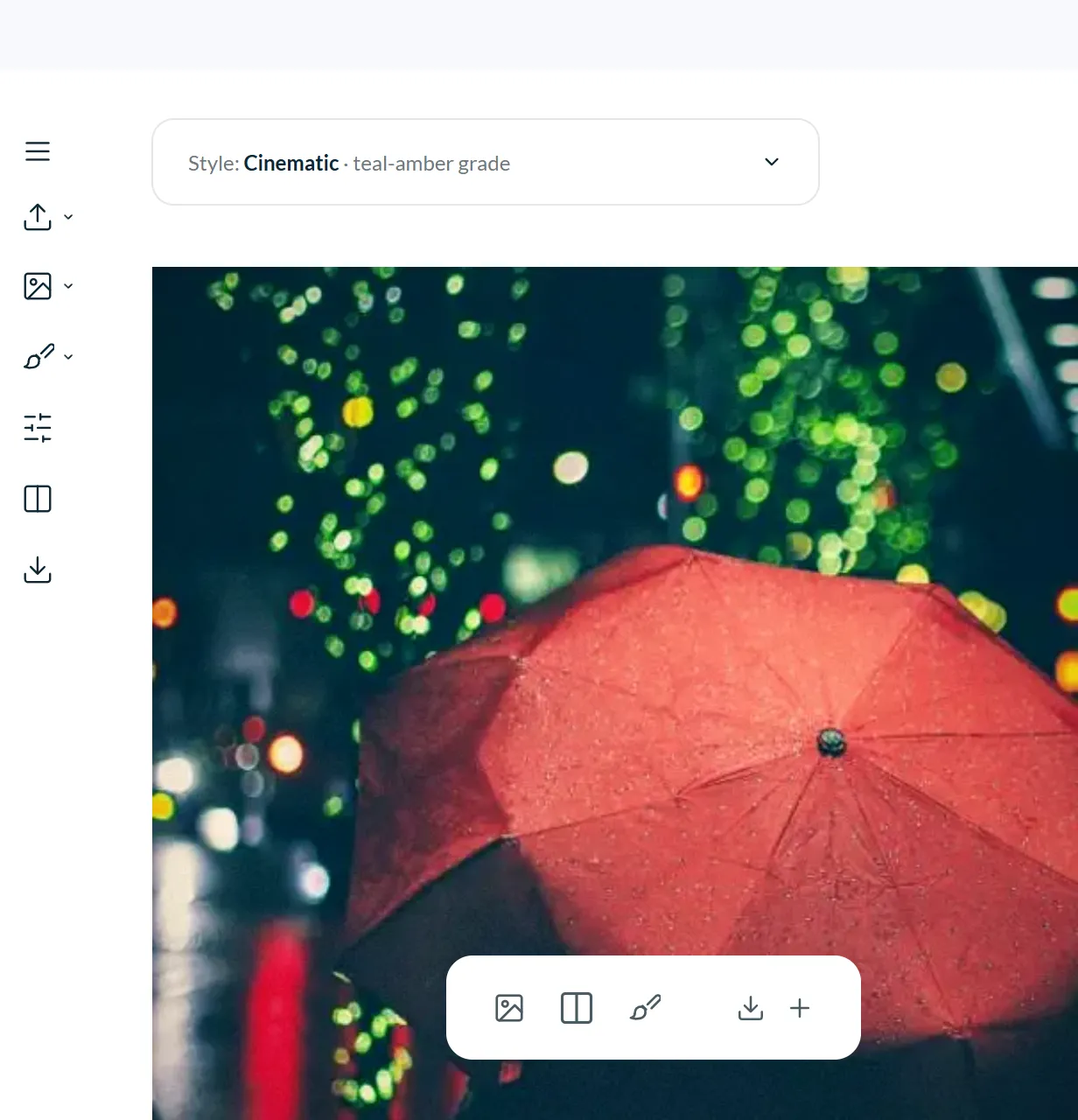
Personalize your Style
Choose watercolor, hand-painted, oil, pastel, cinematic or ink sketch, then set the intensity from a light wash to a full painting. Drag the divider to compare it with the original.
Streamline work with a Saved Gallery
Download a JPEG in one click, or save the render to your gallery, then name it and tag the client it's for. The gallery stays in this browser until you reset the demo.
Take a Quick Demo: See How the Studio Works
Watch a short run of the live studio, then open it and paint your own photo. It's free and needs no sign-up.
Get Better Results with Real World Use Cases
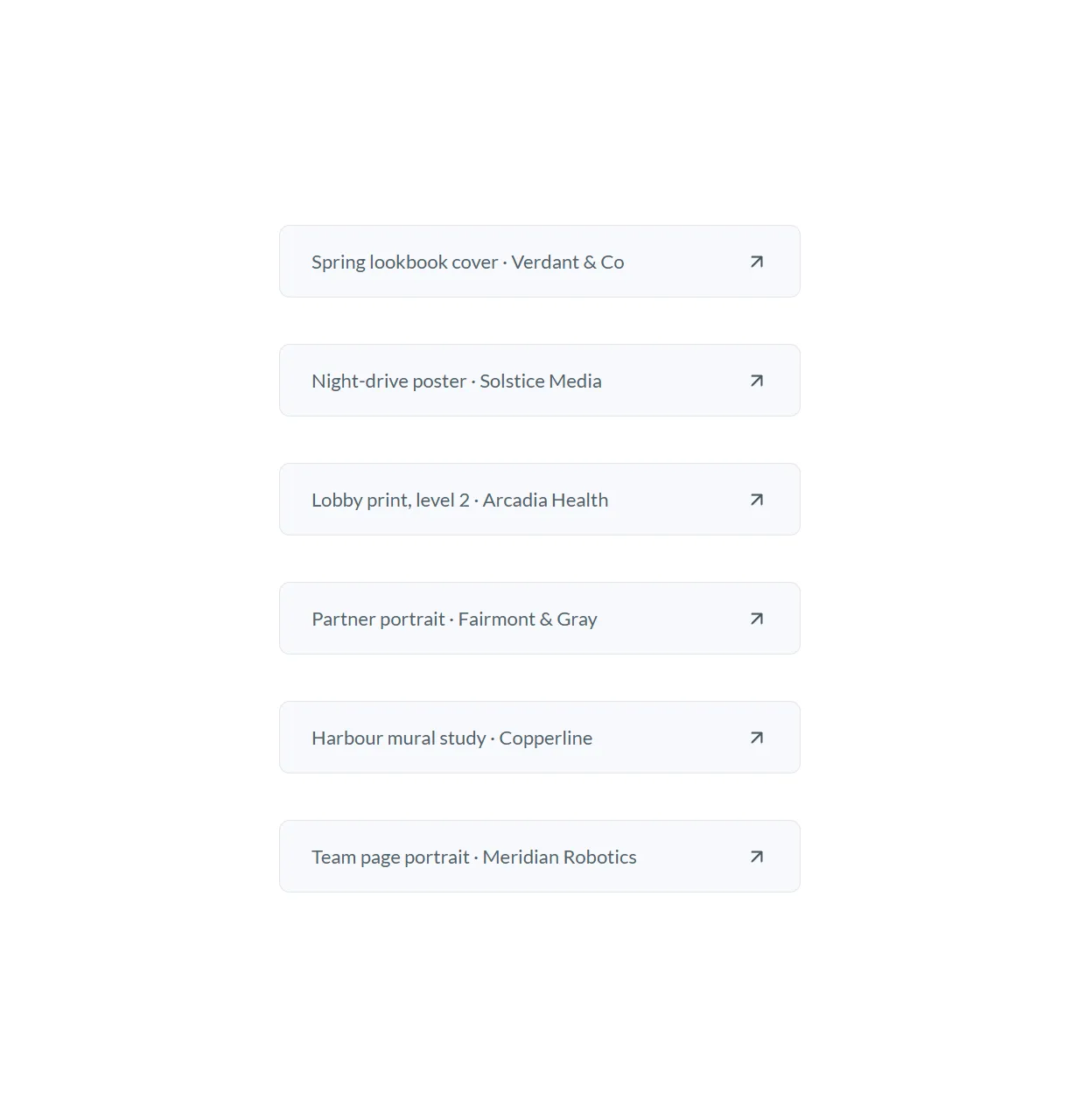
The demo gallery ships with six renders made for fictional clients. They show the kind of work the full version is built for, and Randy See can shape it around yours.
Brand Campaigns
Turn product and lifestyle shots into lookbook covers and posters, like the watercolor spring lookbook cover in the demo gallery for Verdant & Co.

Wall Art & Prints
Paint landscapes for lobbies, offices and shopfronts in oil, like the level 2 lobby print for Arcadia Health. The full version adds print-size exports.

Portraits & Team Pages
Give team pages and partner bios one consistent hand-drawn look, from an ink-sketch partner portrait to hand-painted headshots.

Gifts & Keepsakes
Pets, family and travel photos become keepsakes worth printing, framing or sending, without the photo ever leaving your device.
All in One Studio
Everything runs in your browser today, and the full version grows with your business.


Built on Proven Tools
Next.js, React, TypeScript and the Canvas 2D API. No image APIs, no server and no third-party AI service.
Full Version
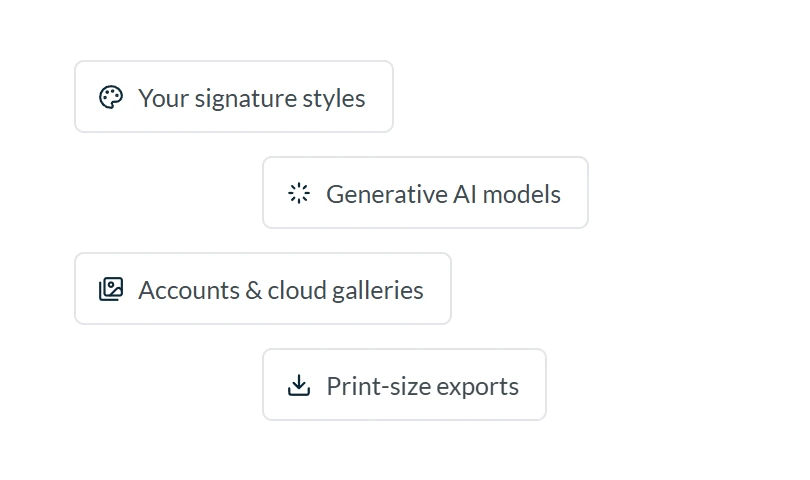
Your brand and signature styles, AI models, accounts, batch processing and print-size exports, built by Randy See.
You're in Good Hands
What's actually inside the studio, straight from the code.
“Edge-preserving Kuwahara brushwork, computed with integral images so the cost doesn't depend on brush size.”
Paint engine
lib/paint/kuwahara.ts
“Watercolor edge pooling, impasto relief, pastel chalk, a teal-amber grade with letterbox, and a colour-dodge ink sketch with hatching: six looks from one engine.”
Styles
lib/paint/styles.ts
“Everything read back from storage is schema-checked, and when the quota is full the oldest of your own renders are evicted first, or the render is kept for this visit only.”
Studio store
lib/studio/store.ts
“Photos are decoded, painted and saved inside the browser. Nothing is uploaded, so there is nothing to leak.”
Privacy
No backend, no API routes
“Keyboard-operable compare sliders, visible focus, reduced-motion support, and layouts that hold from 360 px phones to wide desktops.”
Accessibility
components/studio
“Typed state, validated storage and small focused modules, so accounts, AI models or a cloud backend slot in without a rewrite.”
Architecture
lib/studio/state.ts
Check Out the Latest Renders
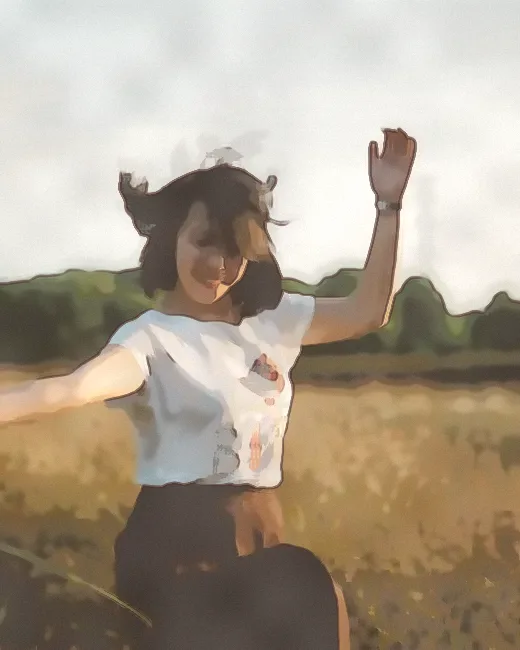
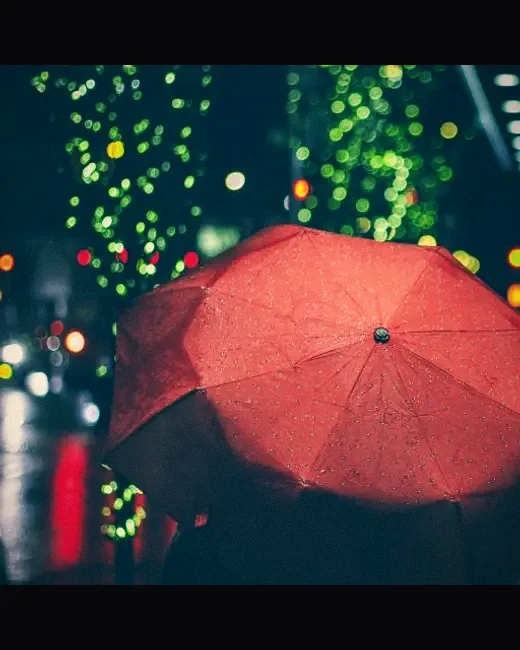
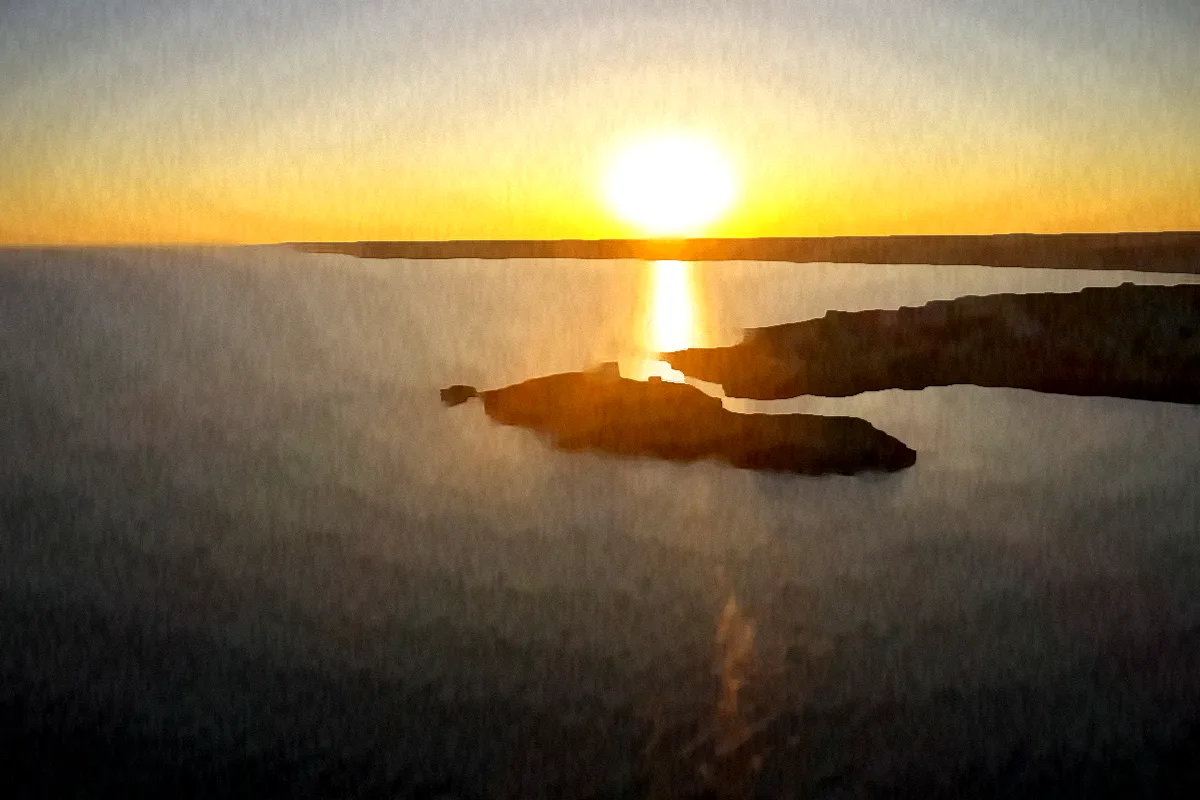
Straight from the demo gallery, painted by the studio's own engine.
FAQs
Everything you need to know about the live studio and the full version.
In the live studio, nothing leaves your device. Photos are decoded and painted right in your browser, and anything you save stays in this browser's storage until you press Reset demo data.
Yes. The brushwork comes from an edge-preserving filter: flat areas turn to paint while eyes, jawlines, and expressions stay crisp. Lower the intensity for an even lighter touch.
Yes. Paintings of your own photos are yours to keep and share. The sample photos in the studio are public-domain (CC0) images from StockSnap.
Yes, and no. The studio is a working demo you can use right now: no sign-up, no watermark. Your renders are kept in this browser only.
Whatever your business needs. Randy See builds it around your brand and domain: your own signature styles, generative AI models if you want them, accounts, cloud galleries, batch processing, and print-size exports. Tell us about your project on WhatsApp or by email.
Still have questions?
Message Randy See on WhatsApp or by email. We reply within one business day.
Unleash the Painter in Your Photos Today!
The live studio is free, needs no sign-up and runs entirely in your browser. Want it for your business? Randy See builds the full version.