One AI Assistant for Your Team's Questions & Code!
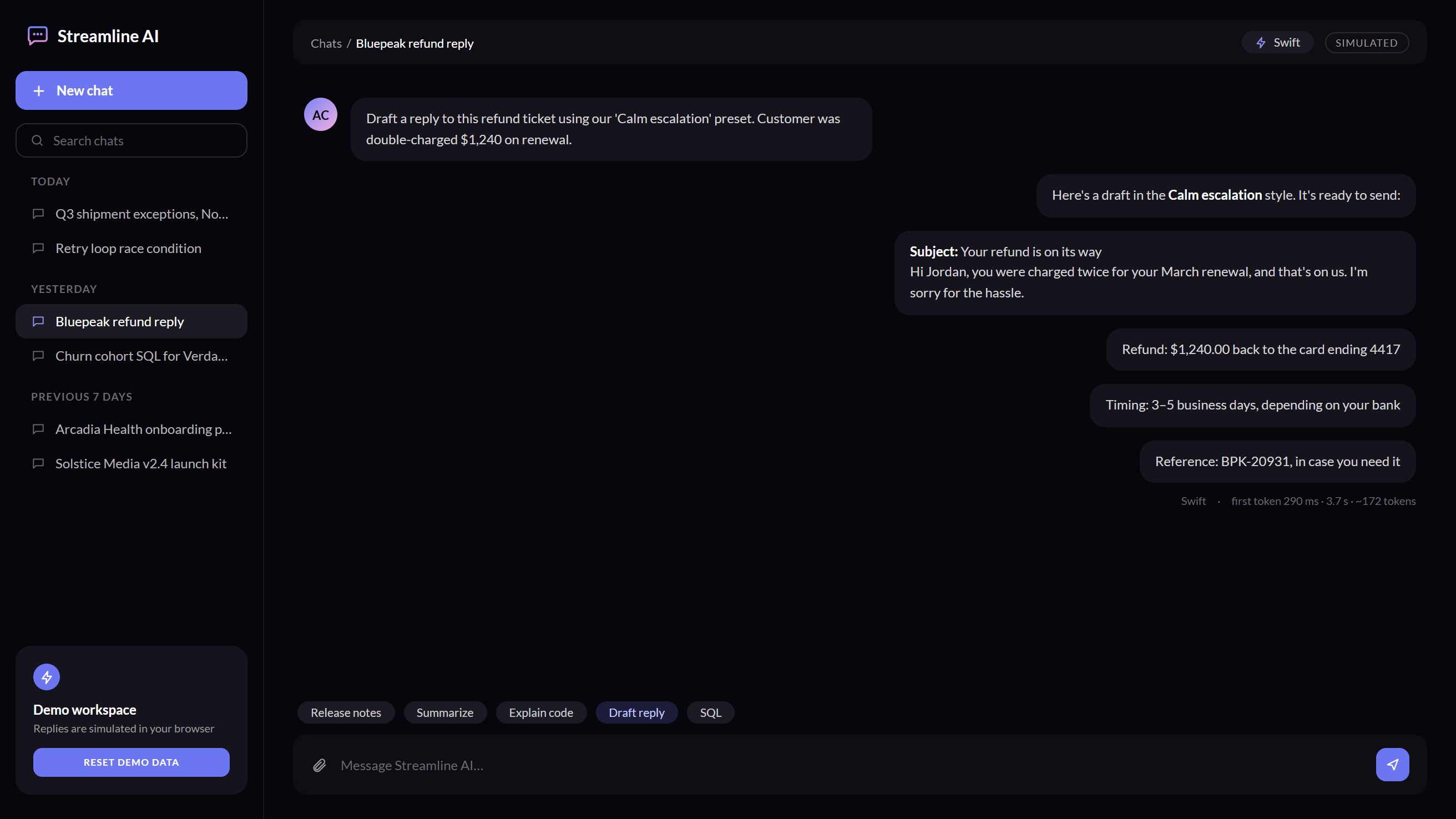
Streamline AI streams answers, renders tables and code, and keeps every conversation searchable. Use the real app in your browser now, then have Randy See build the full version on your models.
Built With







Streamline Your Workflow With Your Own AI Assistant
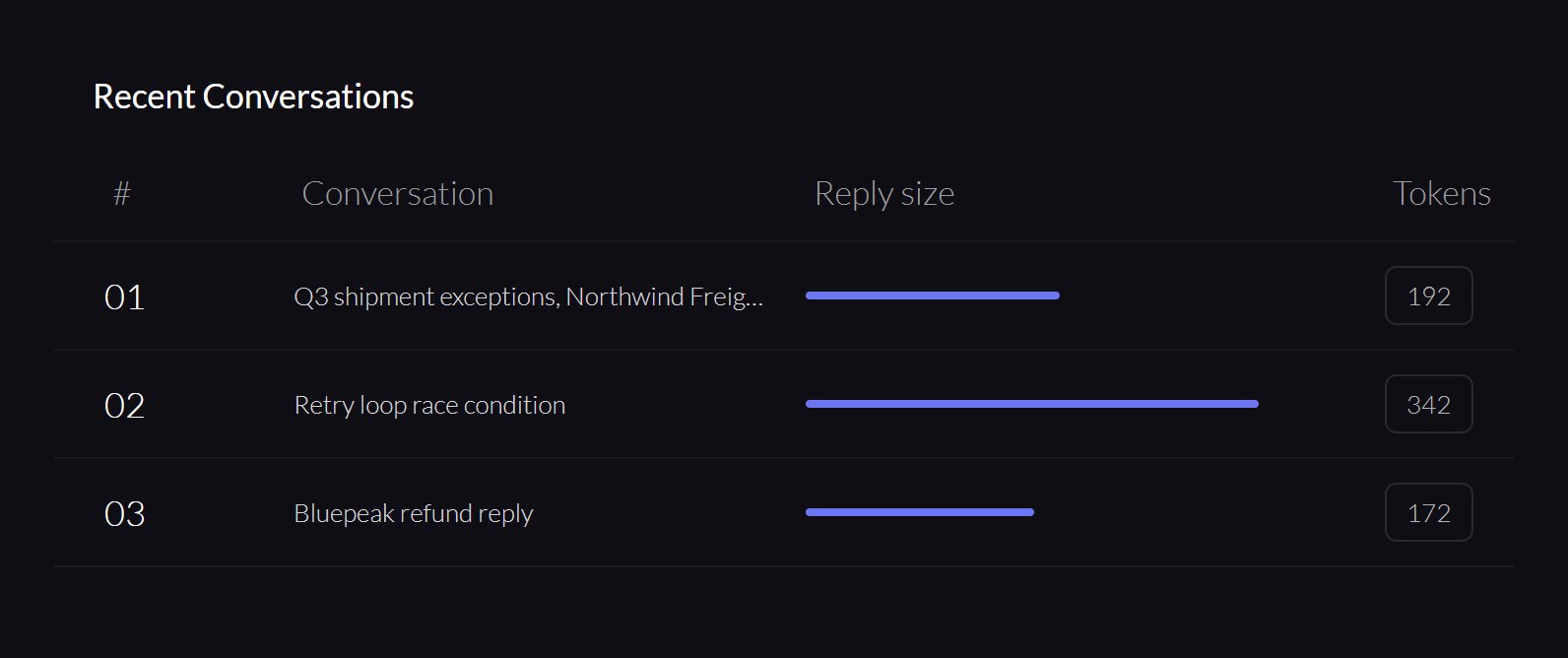
Every Conversation, Saved
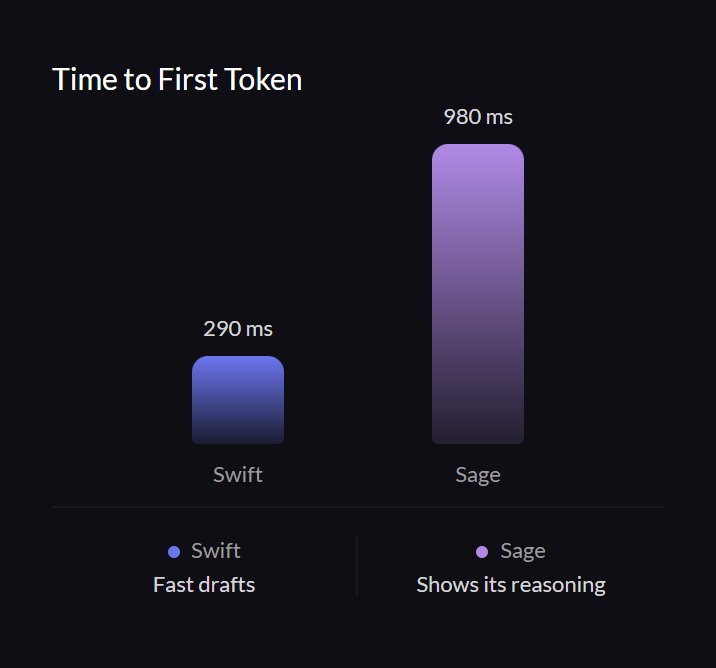
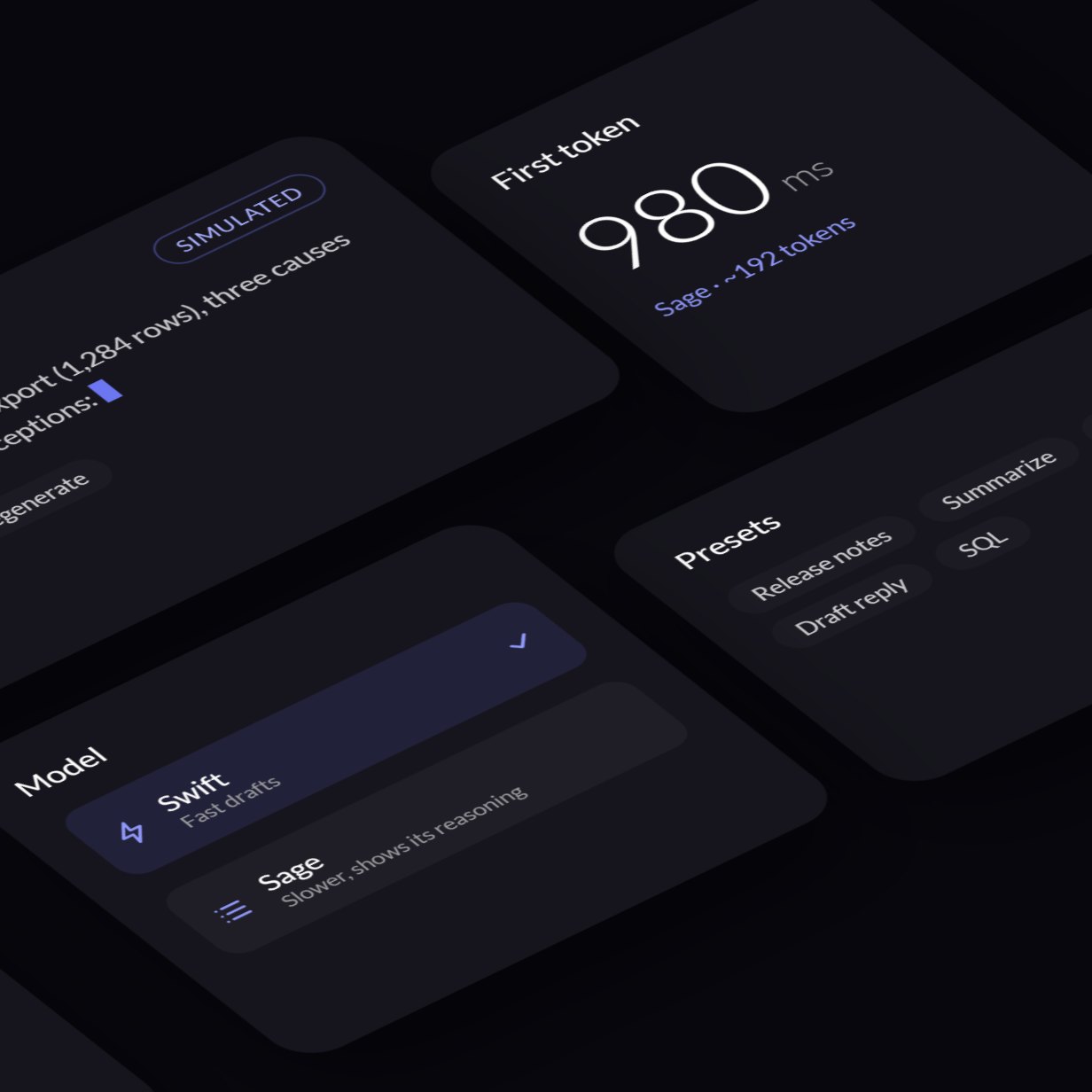
Latency on Every Reply
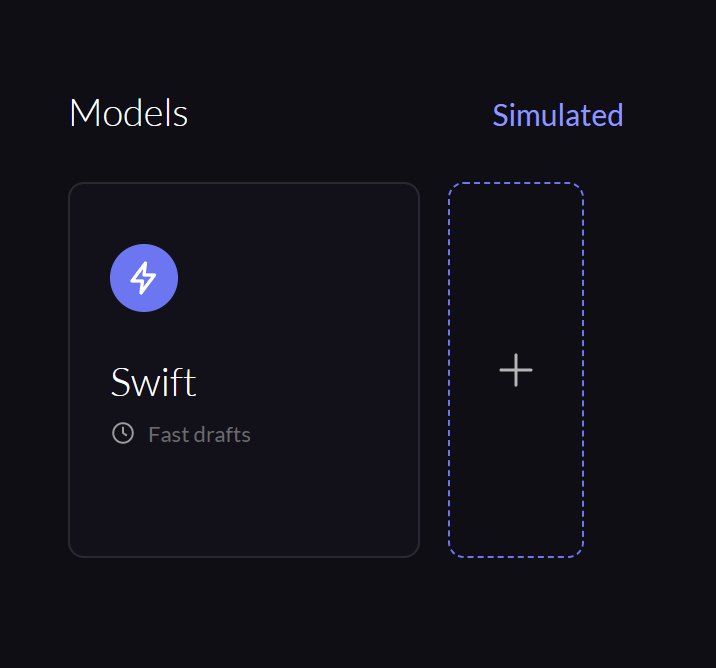
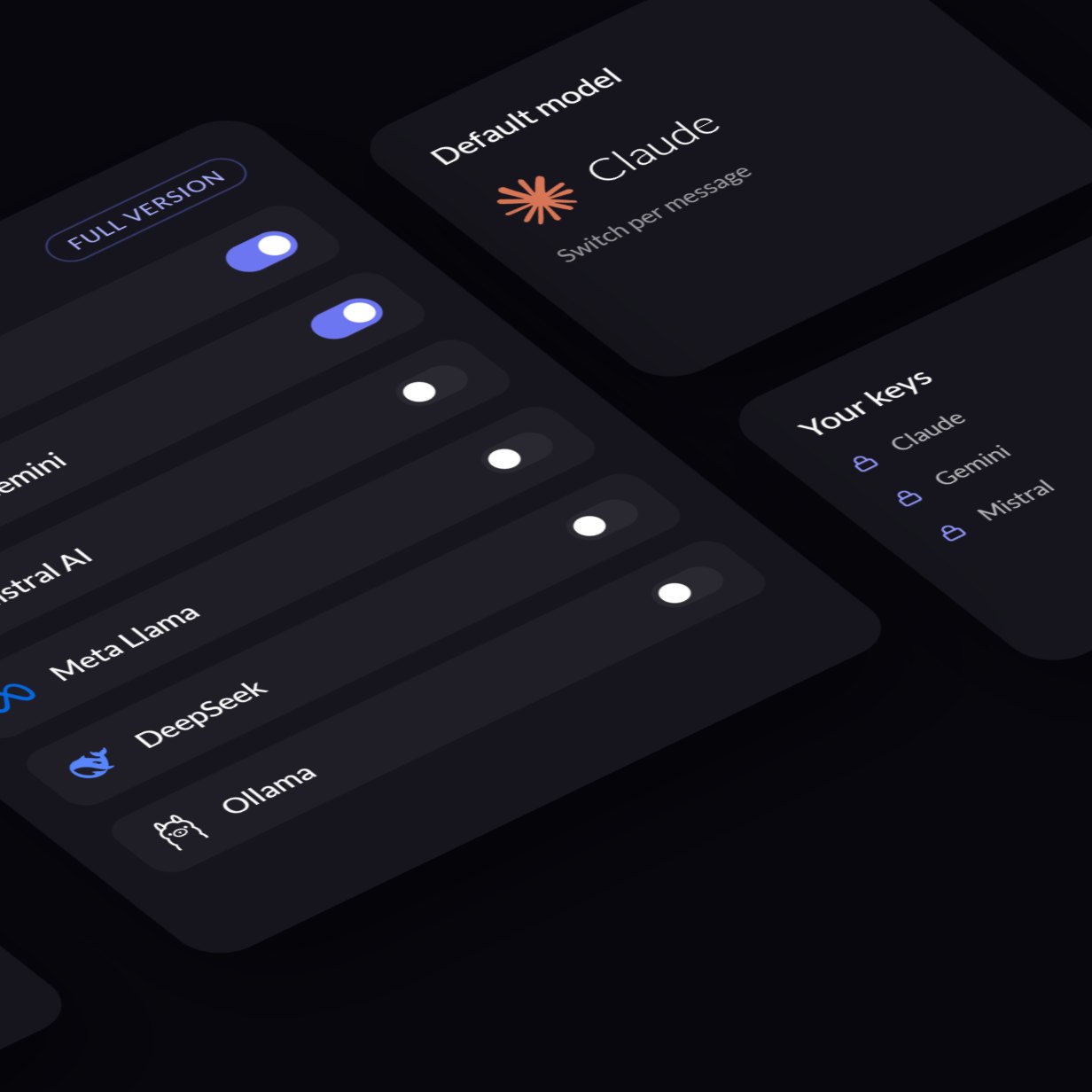
Switch Models
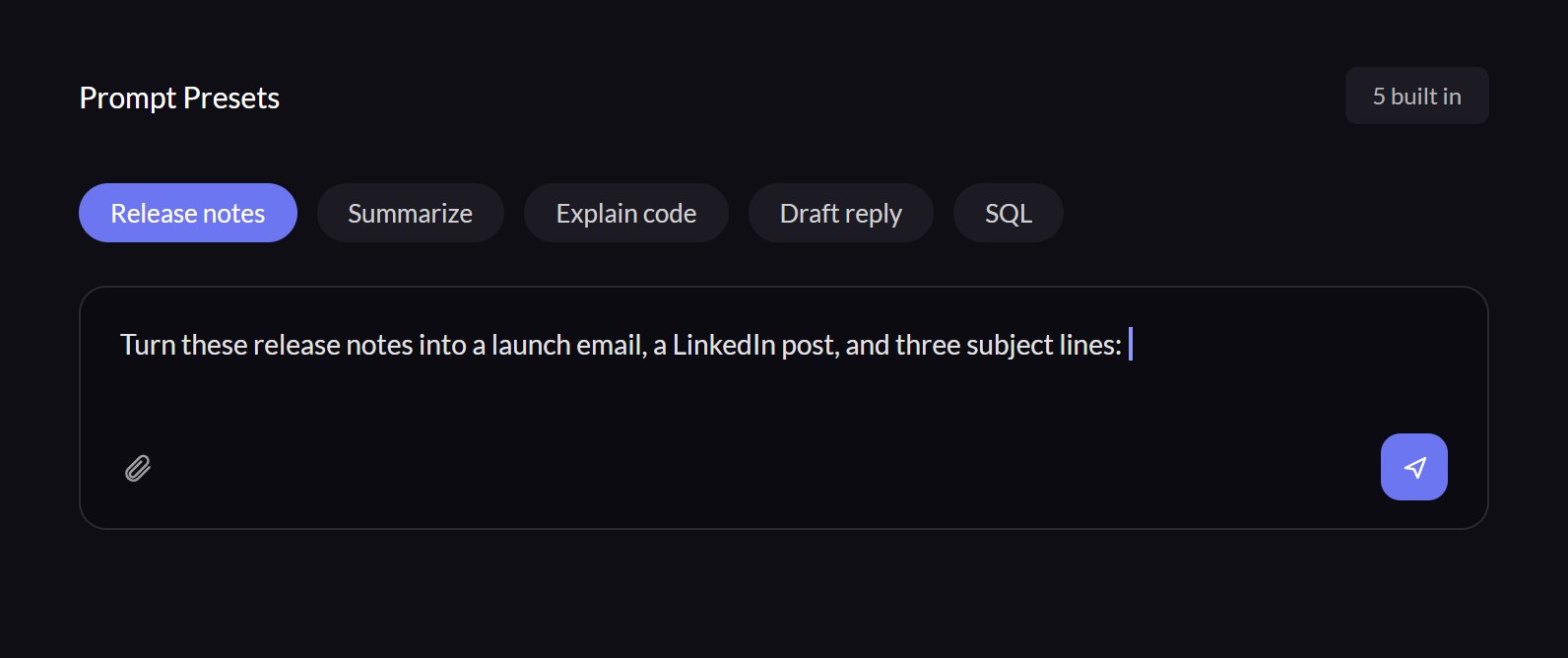
One-Click Presets
Everything You Can Try in the Live Demo






Start Every Chat From Proven Prompts
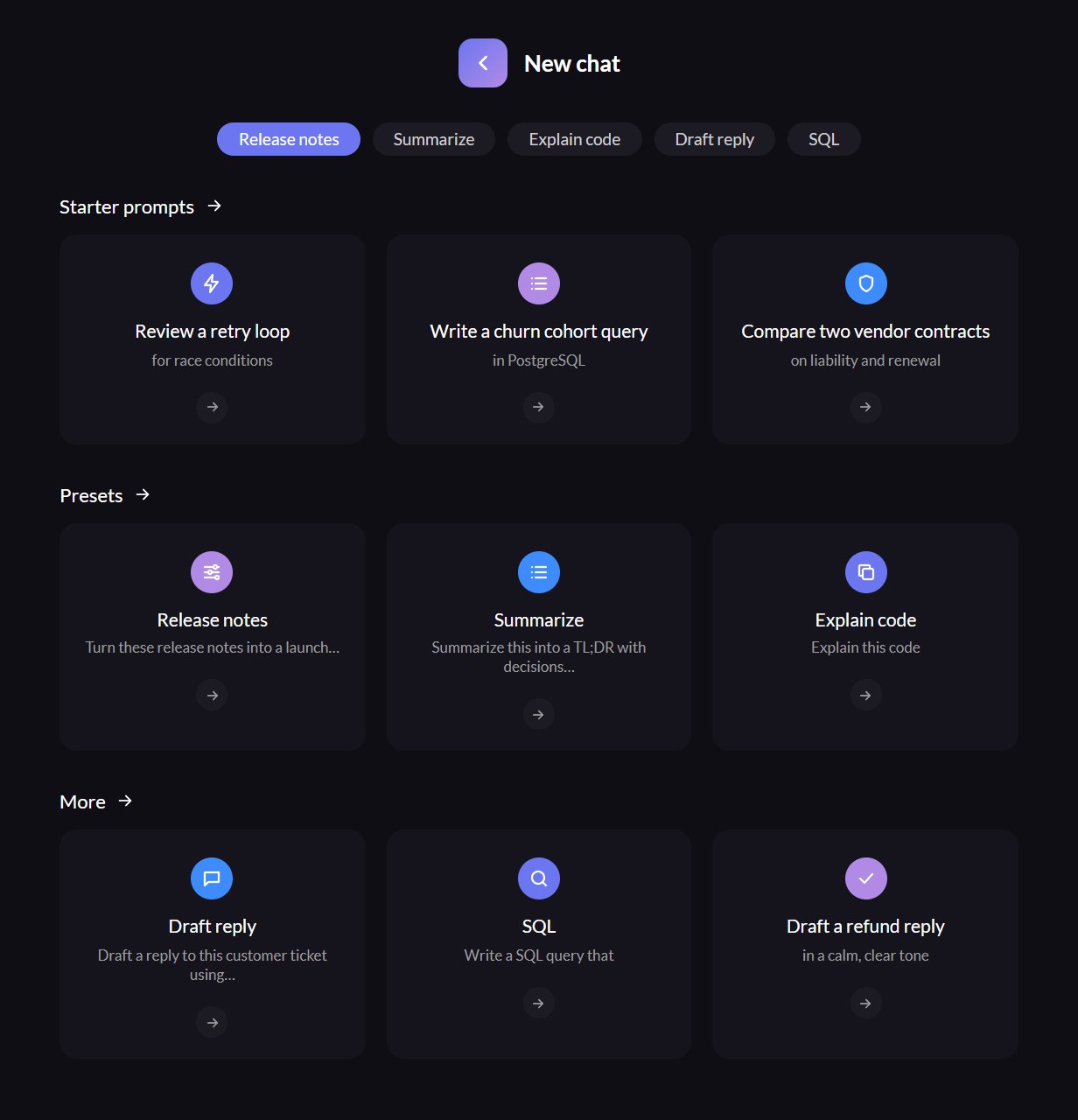
New chats open with starter prompts, and preset chips drop a tested template into the composer so nobody starts from a blank box.
Five built-in presets, from release notes to SQL.
Four starter prompts on every new chat.
Saved team presets in the full version.
Find Any Conversation in Seconds
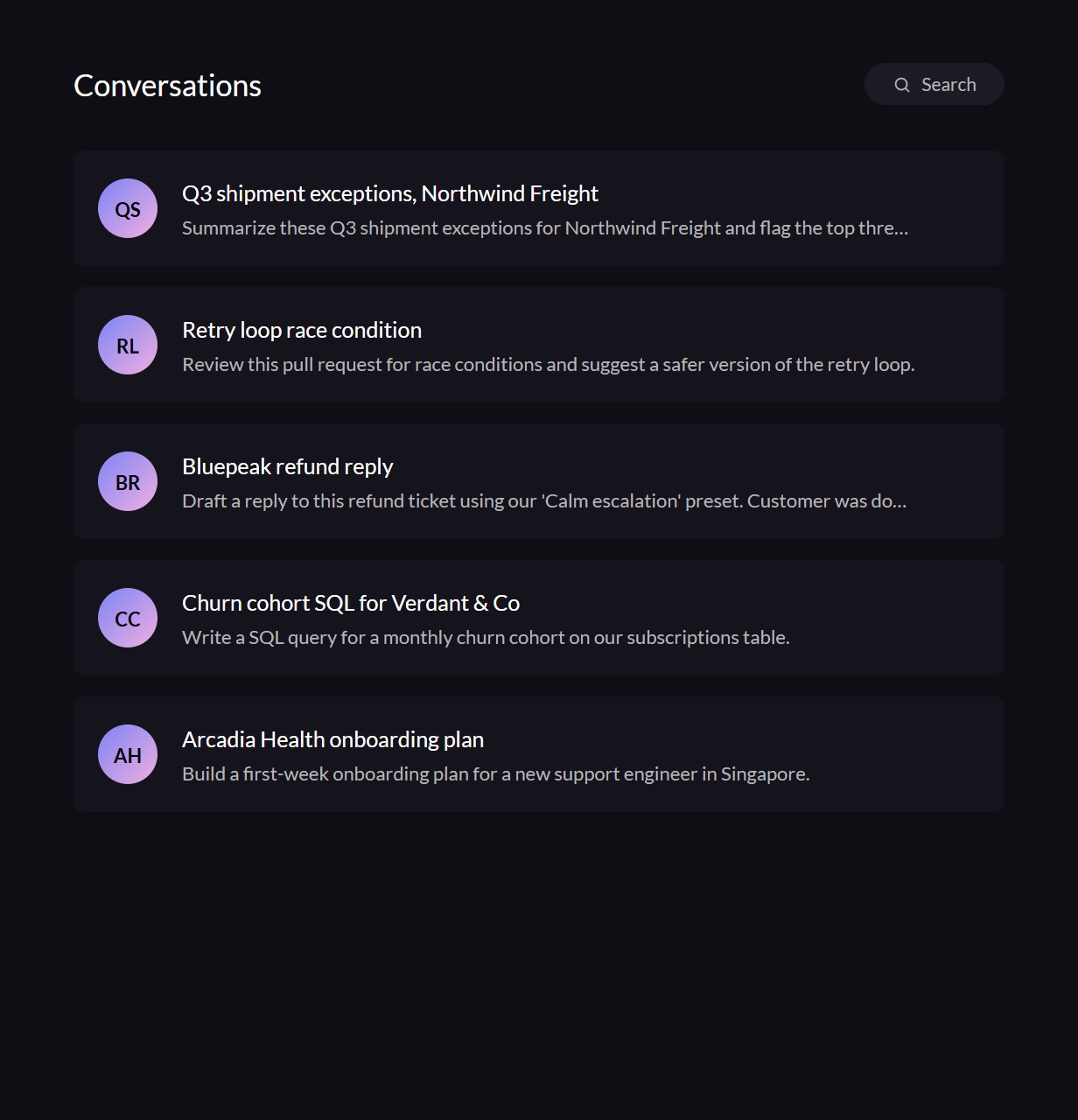
History is grouped by day and searchable across titles and messages, so last month's answer is always a few keystrokes away.
Full-text search across every conversation.
Rename chats, and undo a delete.
Shared team history in the full version.
Review and Debug Code Instantly with AI
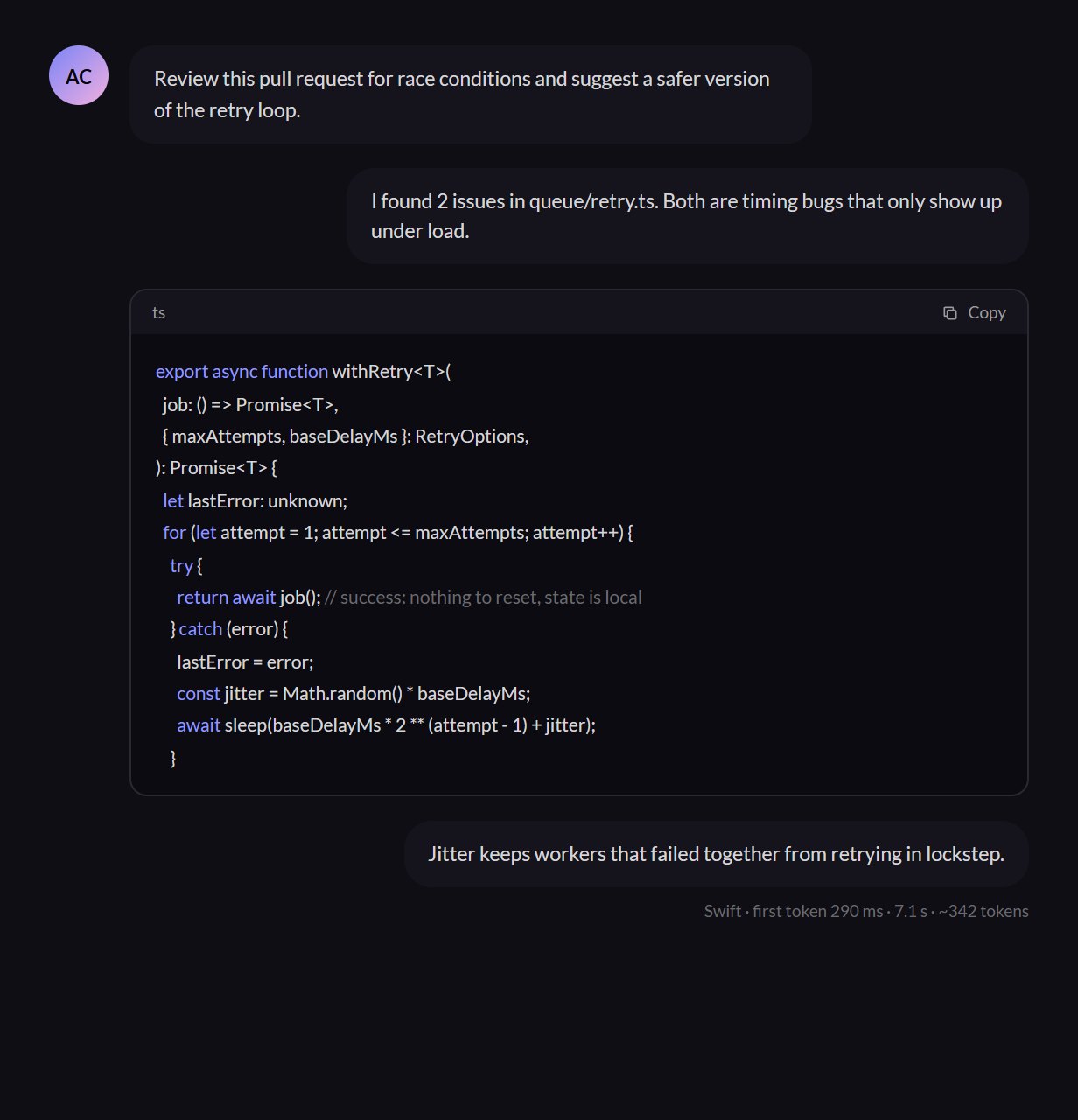
Paste a snippet and get the fix back as highlighted code you can copy in one click, with the reasoning written out above it.
Highlighting for TypeScript, Python, SQL, and shell.
A copy button on every code block.
Stop and regenerate without losing context.
Bring the Models Your Team Already Uses
The demo's Swift and Sage models are simulated in your browser, so it runs without keys (a deployment can add a live Claude model). The full version connects to any provider with a streaming API, including Anthropic, Google, Mistral, Meta's Llama, DeepSeek, or open models you host yourself. Sign-in can come from your identity provider, history can live in your own database, and Randy See deploys it to your cloud or ours.











From Live Demo to Your Team's Assistant
Try everything in the demo first. When it fits, Randy See builds the full version around your models, your sign-in, and your rules, then hands it over.
Practical Use Cases You Can Run Right Now




Requests From the Demo Workspace
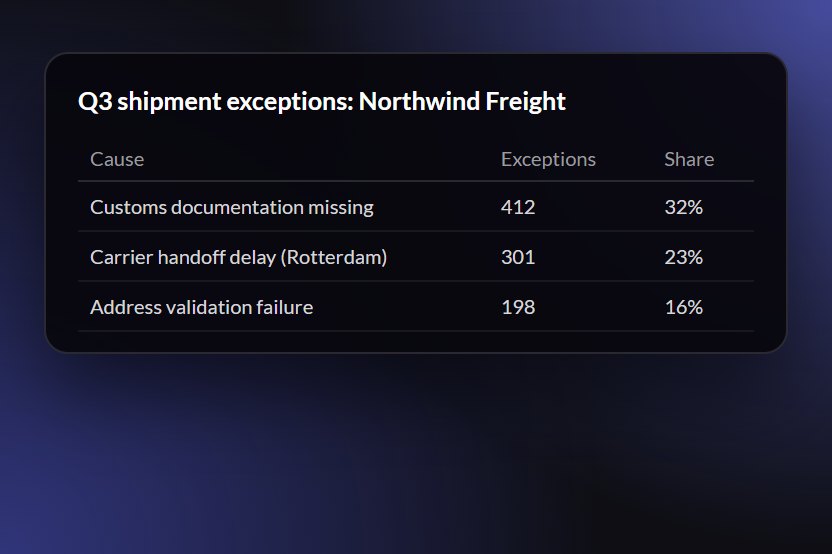
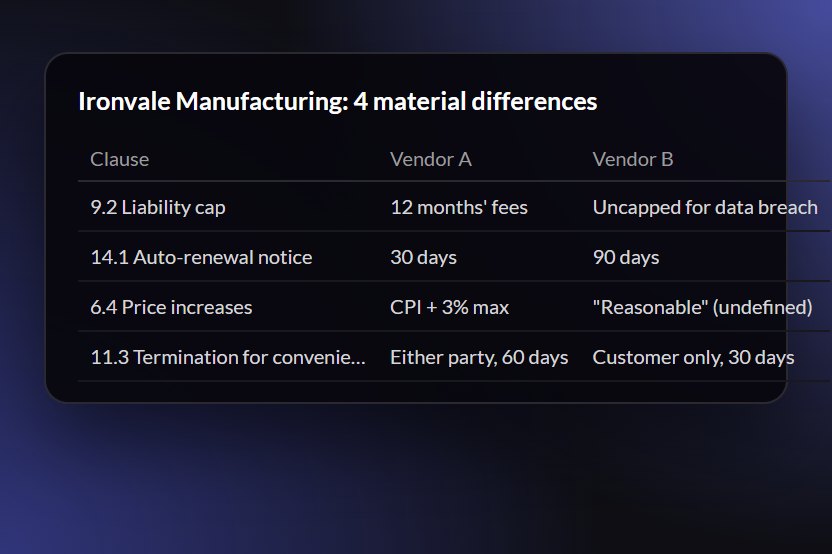
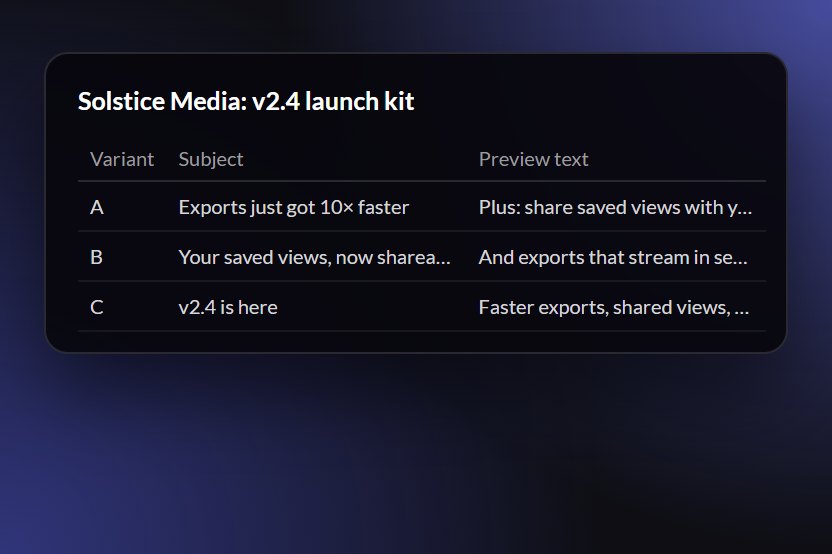
Real prompts seeded in the live demo for fictional companies. Open the demo to read the replies.
Try It on Real Work
Each scenario opens the live demo and runs its prompt. The companies are fictional.
FAQs
What the demo does today, what the full version adds, and how to get started.
Yes. The live demo is the actual Streamline AI interface running in your browser: streaming replies, stop and regenerate, conversation history and search, presets, file previews, and markdown and code rendering. Nothing is gated behind a form or a sign-up.
Not by default. So that anyone can try it without an account or API key, replies in the demo are simulated in your browser and labelled 'Simulated'. The full version connects to real model providers with your own keys.
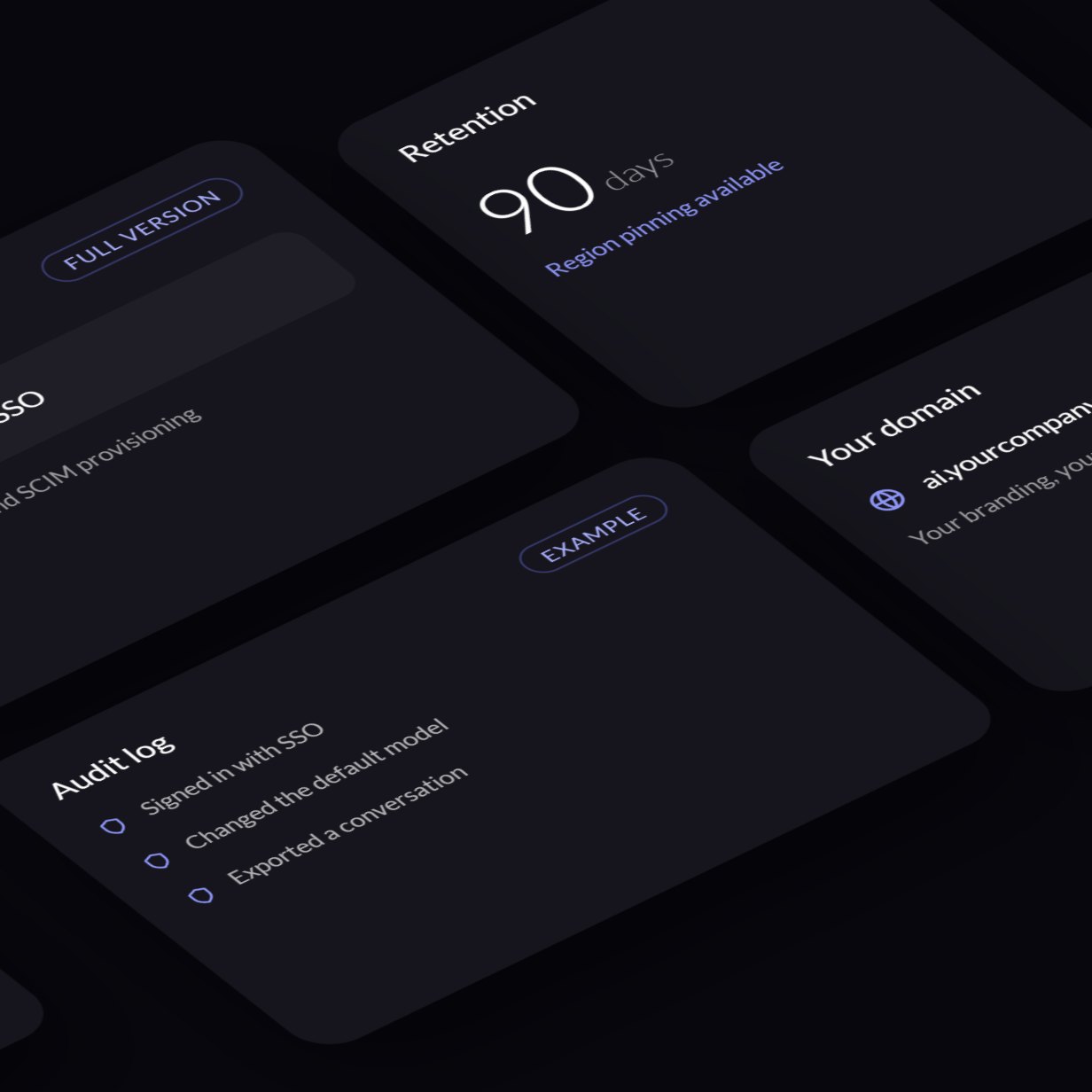
Randy See builds Streamline AI for your organisation: your branding and domain, the model providers you choose, your team's prompt presets, sign-in with your SSO, and any governance you need, such as roles, audit logs, or retention rules. It's deployed to your cloud or ours and handed over with the source code.
Any provider with a streaming API, including OpenAI, Anthropic, Google, Groq, Mistral, or an OpenAI-compatible gateway you already run. Teams can set default models and switch mid-conversation.
Only in your browser's local storage. The simulated models answer inside your browser, so nothing you type or attach with them is uploaded. If this deployment offers the optional live Claude model and you pick it, that conversation is sent to the model provider to generate replies. 'Reset demo data' in the sidebar restores the original conversations.
Try the demo, then message Randy See on WhatsApp or email with your team size, providers, and requirements. We reply within one business day to scope the build.
Try Streamline AI- Then Make It Your Team's Own
Use the live demo with no sign-up, then message Randy See on WhatsApp or email to scope the full version for your team.