No Code

Design Your Own Personal Site Right in the Browser, Code-Free

Pick a starting point, rewrite the tiles, try one of five palettes, and watch the page change as you type. No account, no code, nothing to install. When it feels right, Randy See builds the full version on your own domain.
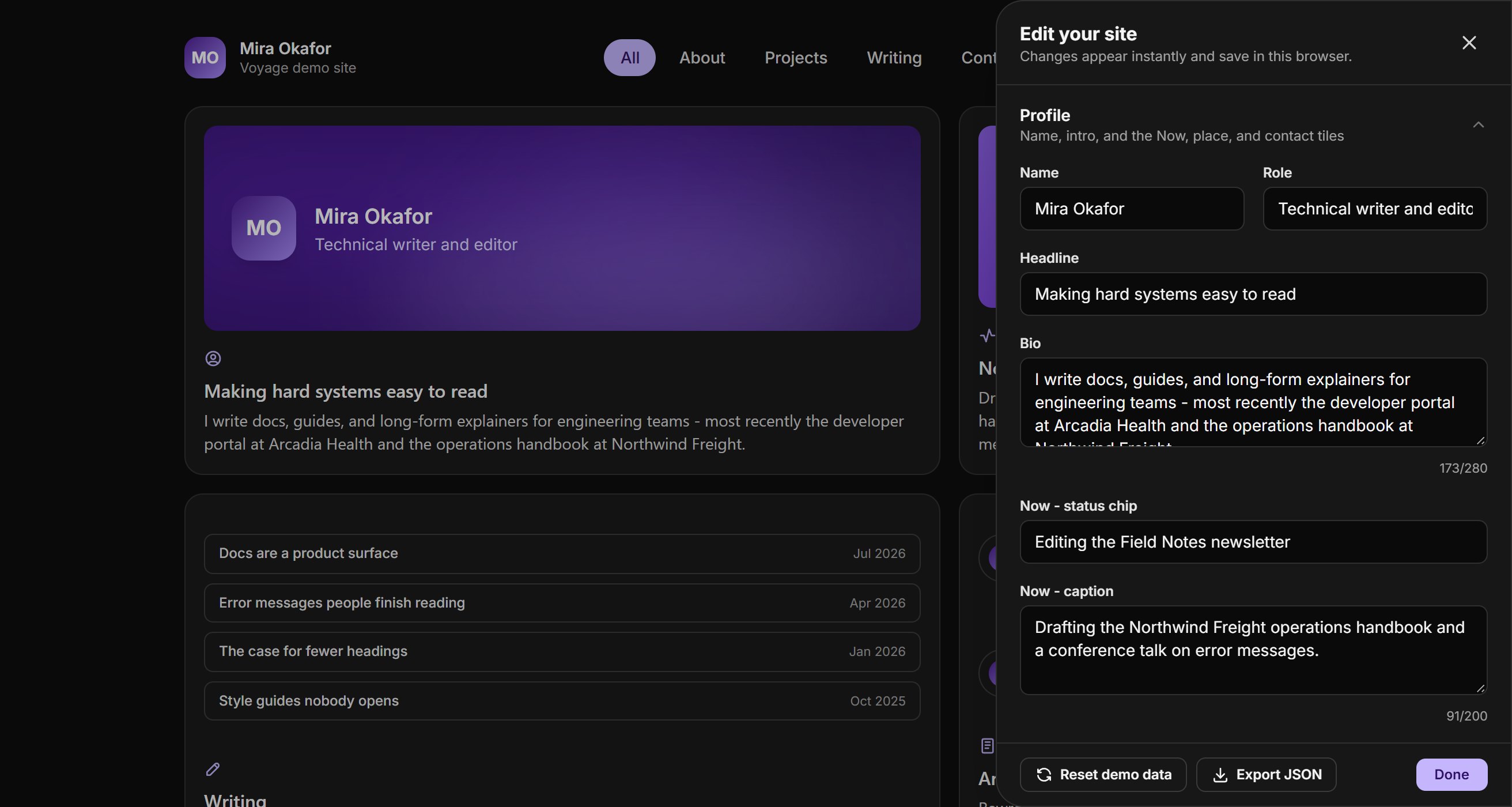

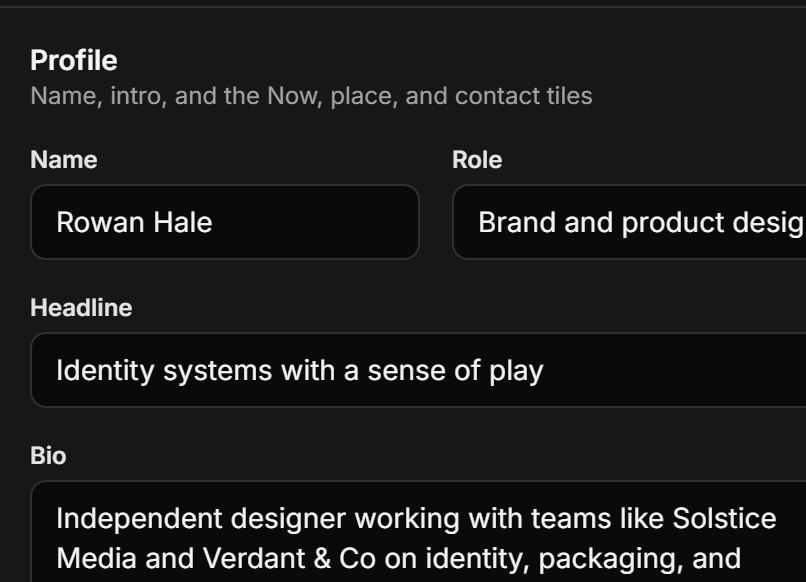
The Voyage demo with its editor open: profile fields on the right, the page updating behind them.
Simple

Make the Page Your Own with Simple, Visual Edits

Every tile in the demo is editable from one side panel. Rewrite it, rearrange it, and recolor it in your browser, then take the result with you as plain data.

Edit Everything from One Panel

Rewrite the intro, the Now tile, and every caption. Add up to six projects and six posts. No code, no account.

Looks Right on Every Screen

One column on a phone, two on small screens, three from tablet width up. Light and dark follow the visitor's system.

Your Content, as Plain Data

Export your site from the demo as one JSON file and bring it to the full version. Nothing is locked inside the builder.

Builder

Everything Your Page Needs, Built Right In

Side-Panel Editor

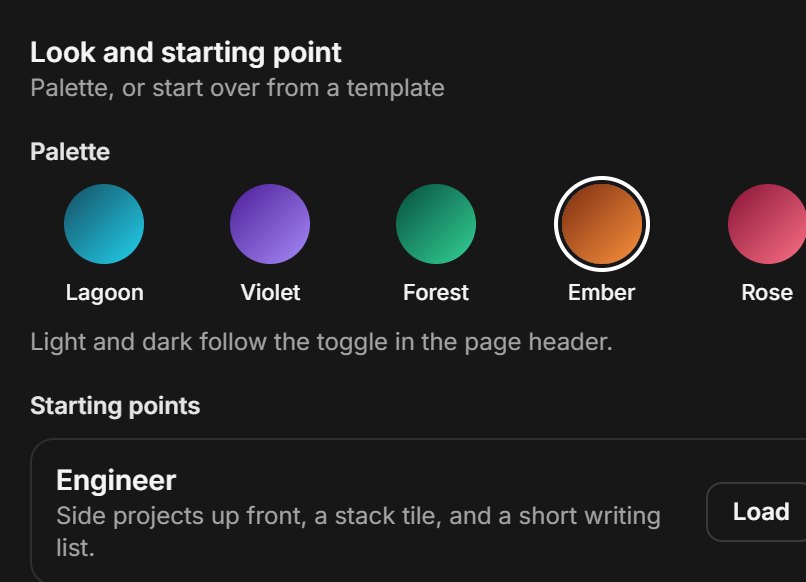
Edit in a panel while the page updates behind it. Pick one of five palettes as you go.

Arrange Your Tiles

Move any tile up or down, make it wide, or hide it. The grid reflows to fit.

One-Click Export

Download the whole site as JSON, the same shape the full version is built from.

Four Starting Points

Engineer, Designer, Writer, or a blank page. Load one and edit from there.

Filtered Views

Visitors can filter to About, Projects, Writing, or Contact, and the tiles glide into place.

Light on the Wire

No trackers and no third-party requests. Fonts are self-hosted and tile art is CSS and SVG.

Tiles

Arrange the Grid with a Simple Tile List

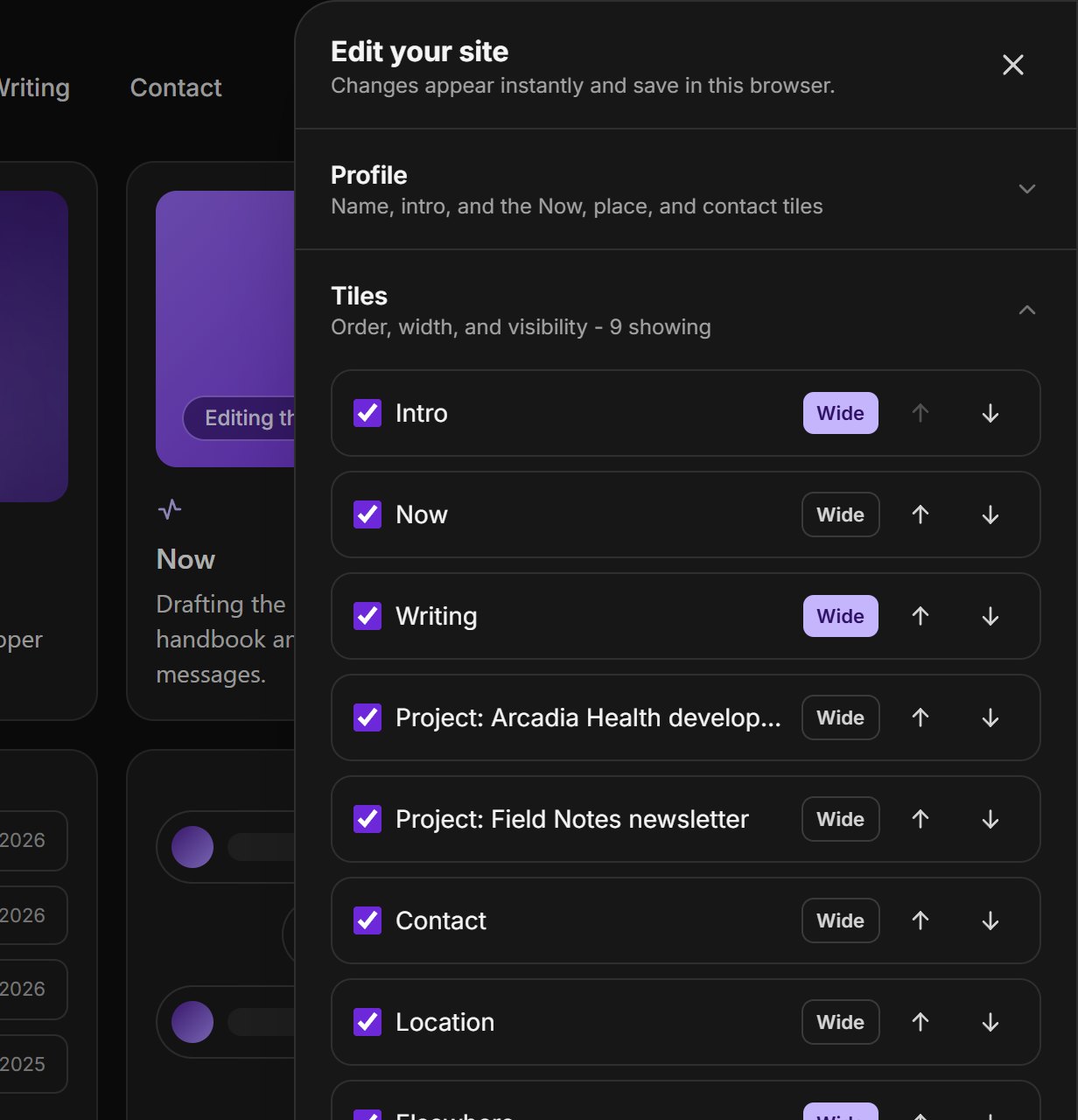
Every tile sits in one ordered list. Move a tile up or down, make it wide, or switch it off, and the grid behind the editor reflows. Wide tiles span two columns wherever the grid has two or more.

The editor's Tiles list: each tile has a show checkbox, a Wide toggle, and up and down arrows.
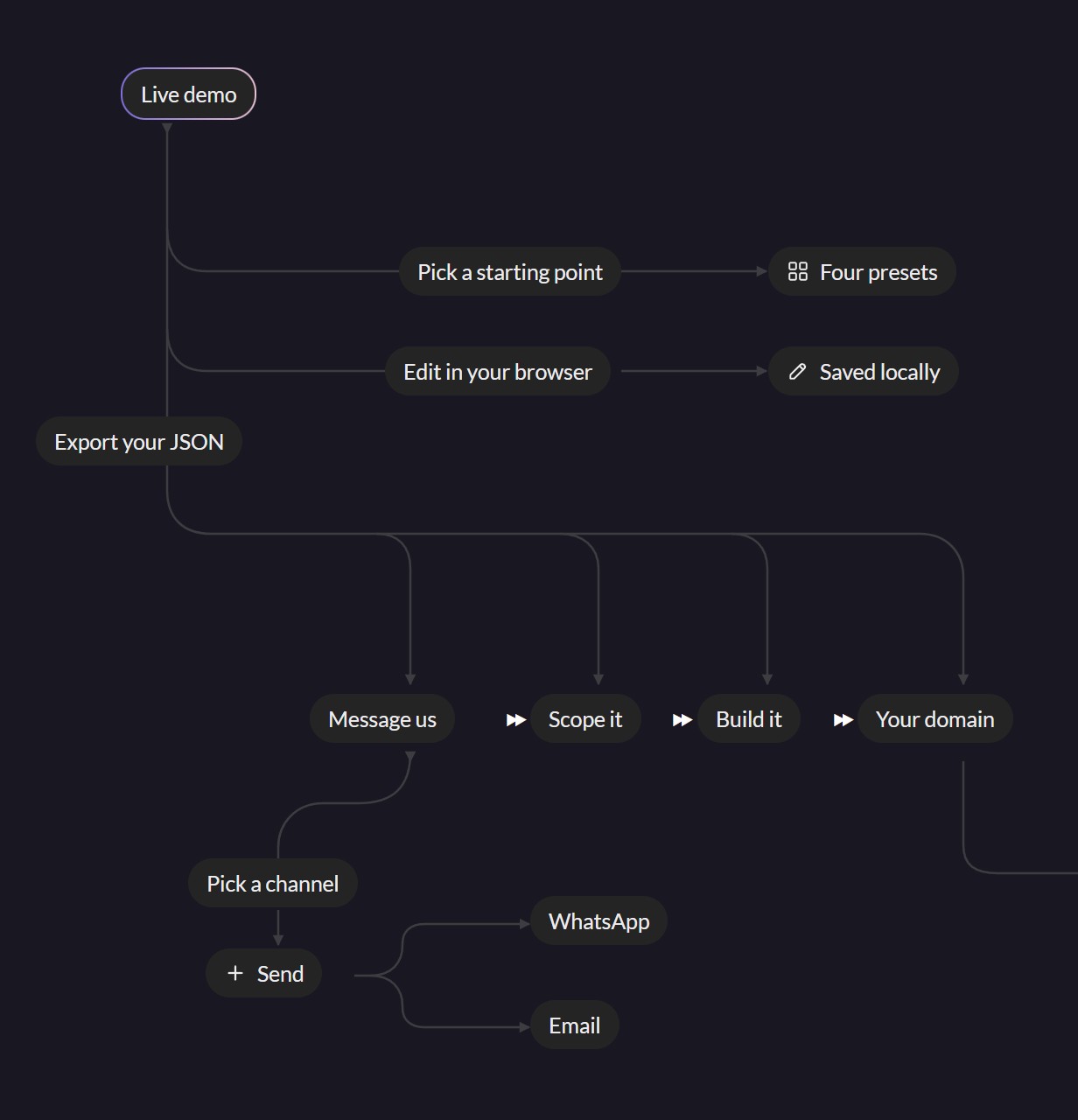
Flow chart: live demo, pick a starting point, edit in your browser, export your JSON, then message us, scope it, build it, and launch on your domain, by WhatsApp or email.
Workflow

From Live Demo to Your Own Domain.

Start from a preset and make it yours in the browser. When you're happy, export the JSON and message Randy See on WhatsApp or by email. We scope it with you, build it, and put it on a domain you own.

Demo

Skip the Video and Try the Real Builder

There's no walkthrough to sit through. The demo is the actual builder: open it, change anything you like, and your edits stay in this browser until you reset them.

Open the live demo
Personas

Starting Points

Pick a persona and the demo opens with their site, ready to make your own.

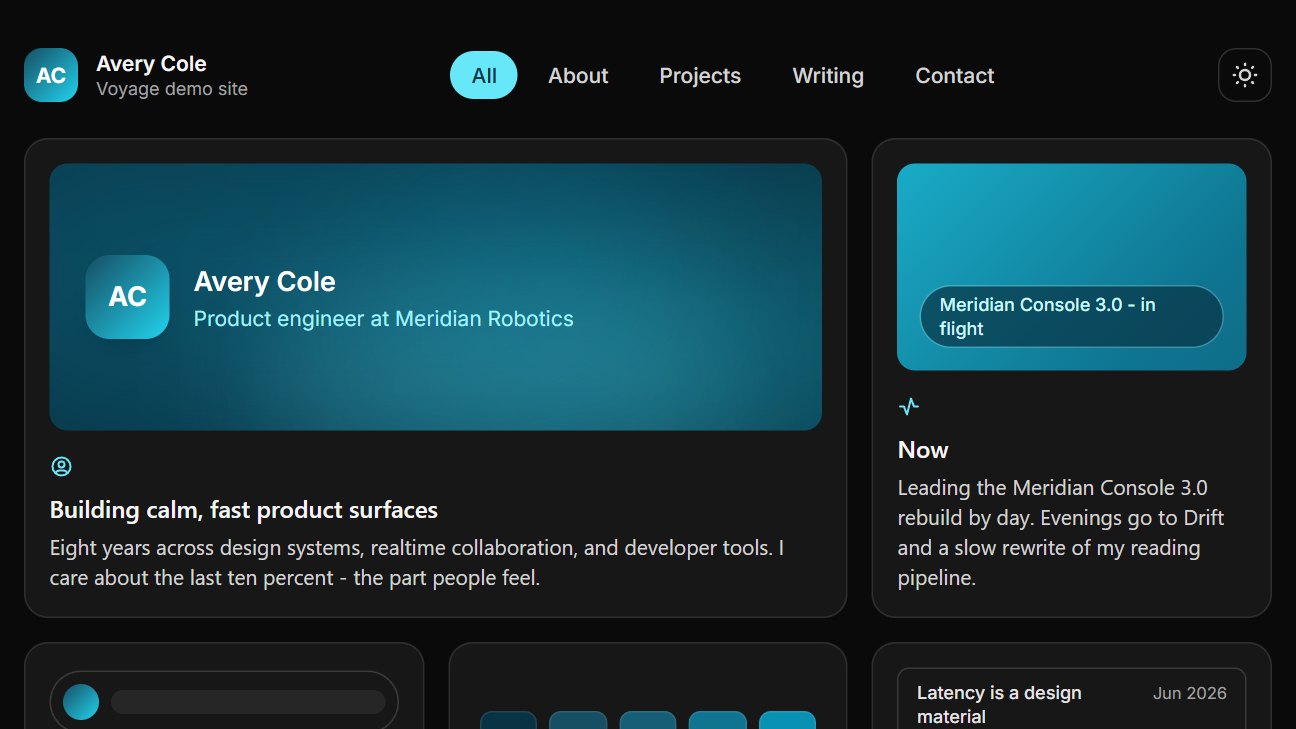
The Engineer starting point: Avery Cole, Product engineer at Meridian Robotics.

Side projects up front, a stack tile, and a short writing list. Avery Cole's site, ready for your projects, your stack, and your posts.

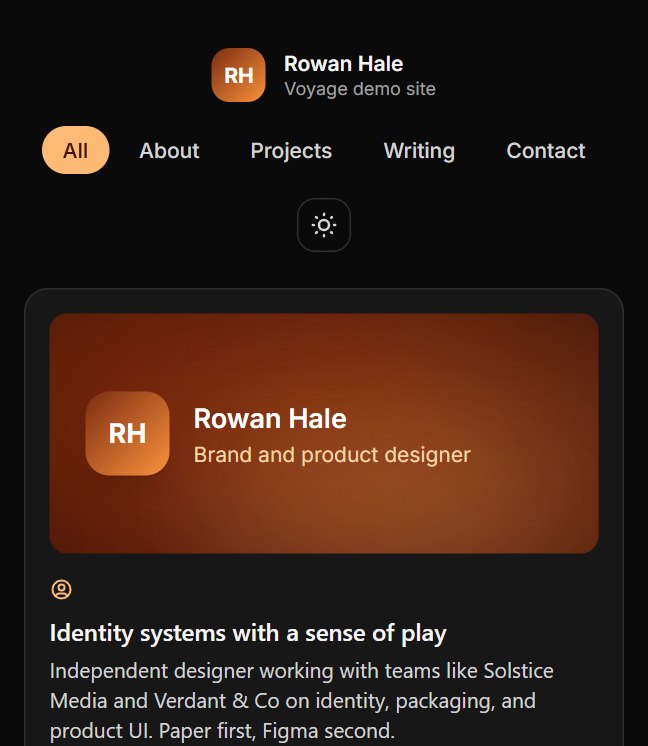
The Designer starting point: Rowan Hale, Brand and product designer.

Client work leads, with a warm palette and room for your process notes.

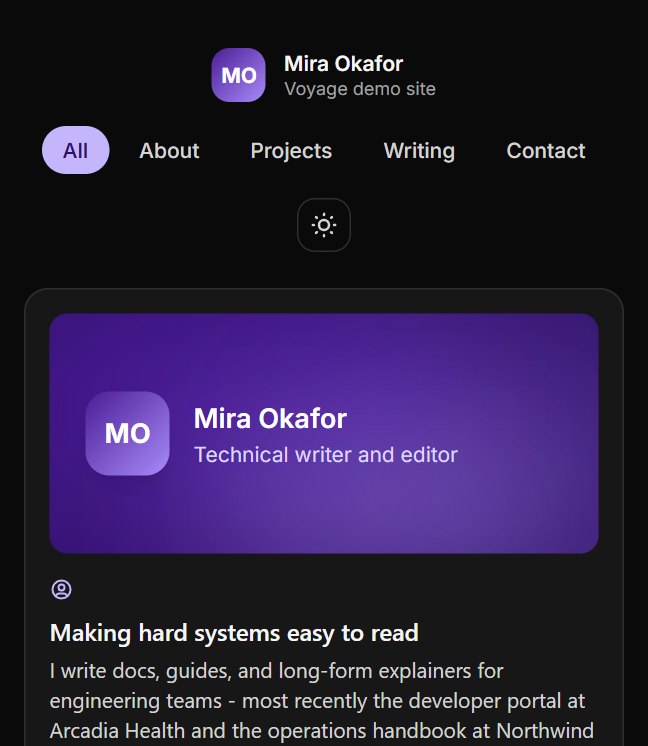
The Writer starting point: Mira Okafor, Technical writer and editor.

A wide writing tile first, then commissions and a newsletter.

Full Version

Demo to Full Version

Try it free, then talk to us about building yours.

Try
Free/demo
Opens right away
Four starting points
Five color palettes
Light and dark themes
Open the Demo
Talk
Chat/to scope
Reply within one business day
Tell us what your site needs
Share your demo's JSON export
Agree the scope together
Get a quote for your build
Send an Email
Launch
Live/your domain
Reply within one business day
Your own domain over HTTPS
Your content moved in
Your colors and type
Contact form or booking link
A handover walkthrough
Start My Site
Examples

Meet the Demo Personas

Lines from the example sites in the demo. Every persona is fictional.

"Eight years across design systems, realtime collaboration, and developer tools. I care about the last ten percent - the part people feel."

Avery Cole

Engineer starting point

"Independent designer working with teams like Solstice Media and Verdant & Co on identity, packaging, and product UI. Paper first, Figma second."

Rowan Hale

Designer starting point

"I write docs, guides, and long-form explainers for engineering teams - most recently the developer portal at Arcadia Health and the operations handbook at Northwind Freight."

Mira Okafor

Writer starting point

"Leading the Meridian Console 3.0 rebuild by day. Evenings go to Drift and a slow rewrite of my reading pipeline."

Avery Cole

Engineer starting point

"Finishing Verdant & Co's spring packaging and teaching a Saturday type-design class."

Rowan Hale

Designer starting point

"Open to docs audits and long-form commissions."

Mira Okafor

Writer starting point

Shortcuts

Things to Try First

Each one opens the live demo with the editor ready.

Change your name, headline, and bio, and the intro tile updates as you type.
Try Lagoon, Violet, Forest, Ember, or Rose, or load a different persona.
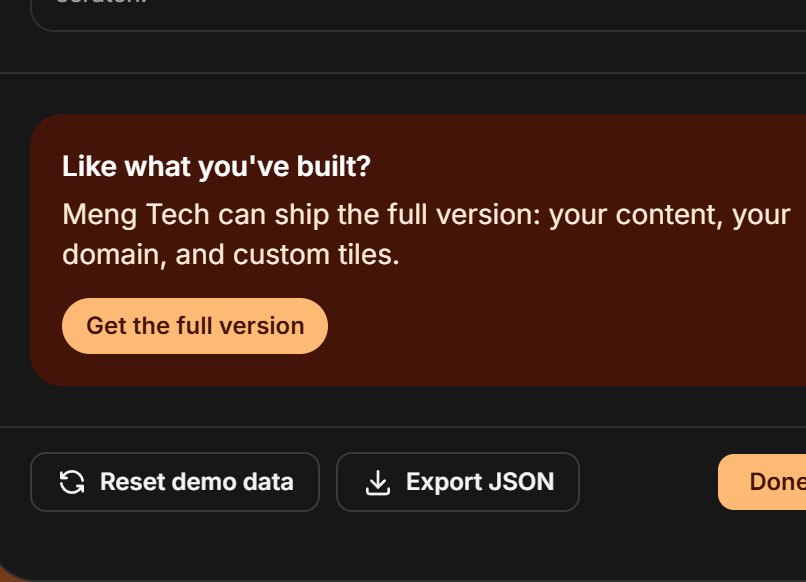
Export JSON saves all your content to one file you can send to Randy See.
Faq

FAQs

Short answers about the live demo and the full version. For anything else, just ask us on WhatsApp or by email.

Still have questions?

Message Randy See on WhatsApp or by email.

Get Started

Start Your Personal Site Today—No Code Required!

Open the live demo, make it yours, and export it. Then message Randy See and we'll build the full version on your own domain.